UPDATED NOVEMBER 2026 | GAMING MOUSE GUIDE | VALORANT, CS2, BGMI
Every gaming mouse box in India shows a big DPI number: 6,400, 8,000, 12,000, even 26,000 or 35,000. Most buyers assume a higher number means a better mouse for gaming. It does not, and the players at the top of Valorant and CS2 prove it: almost all of them play at 400 or 800 DPI.
This guide explains what DPI actually is, how it connects to your in-game sensitivity through eDPI and cm/360, and the exact DPI and sensitivity to start with for Valorant, CS2 and BGMI. Every number below comes from current pro player data or from simple maths you can check yourself.
Short Answer: What Is DPI in a Mouse?
DPI (dots per inch) is how many pixels your cursor moves when you move the mouse one inch (2.54 cm). At 800 DPI, a one-inch movement moves the cursor about 800 pixels on the desktop. Higher DPI means a faster cursor for the same hand movement. It does not mean a better sensor or better aim.
Best DPI for gaming: 400, 800 or 1600, then set the in-game sensitivity. In CS2, 93% of tracked pros use 400 or 800 DPI. What really matters is eDPI = DPI x in-game sensitivity.
- Valorant: 800 DPI with 0.30 to 0.40 sensitivity (eDPI 240 to 320)
- CS2: 800 DPI with 0.9 to 1.2 sensitivity (eDPI 700 to 1,000)
- BGMI on phone: mouse DPI does not apply; set camera and ADS sensitivity in game
- Office and browsing on a 1080p screen: 800 to 1600 DPI
- 1440p or 4K monitor: 1600 DPI so the desktop cursor does not feel slow
THE BASICS
What Does DPI Mean in a Mouse?
DPI stands for dots per inch. Mouse makers also call it CPI (counts per inch), which is the more accurate term: it is the number of movement “counts” the mouse sensor reports to the PC for every inch the mouse travels on the mousepad.
The sensor under your mouse is a tiny camera. It takes thousands of pictures of the surface every second, compares them and works out how far and in which direction the mouse moved. DPI is simply how finely that movement is divided before it is sent to the PC.
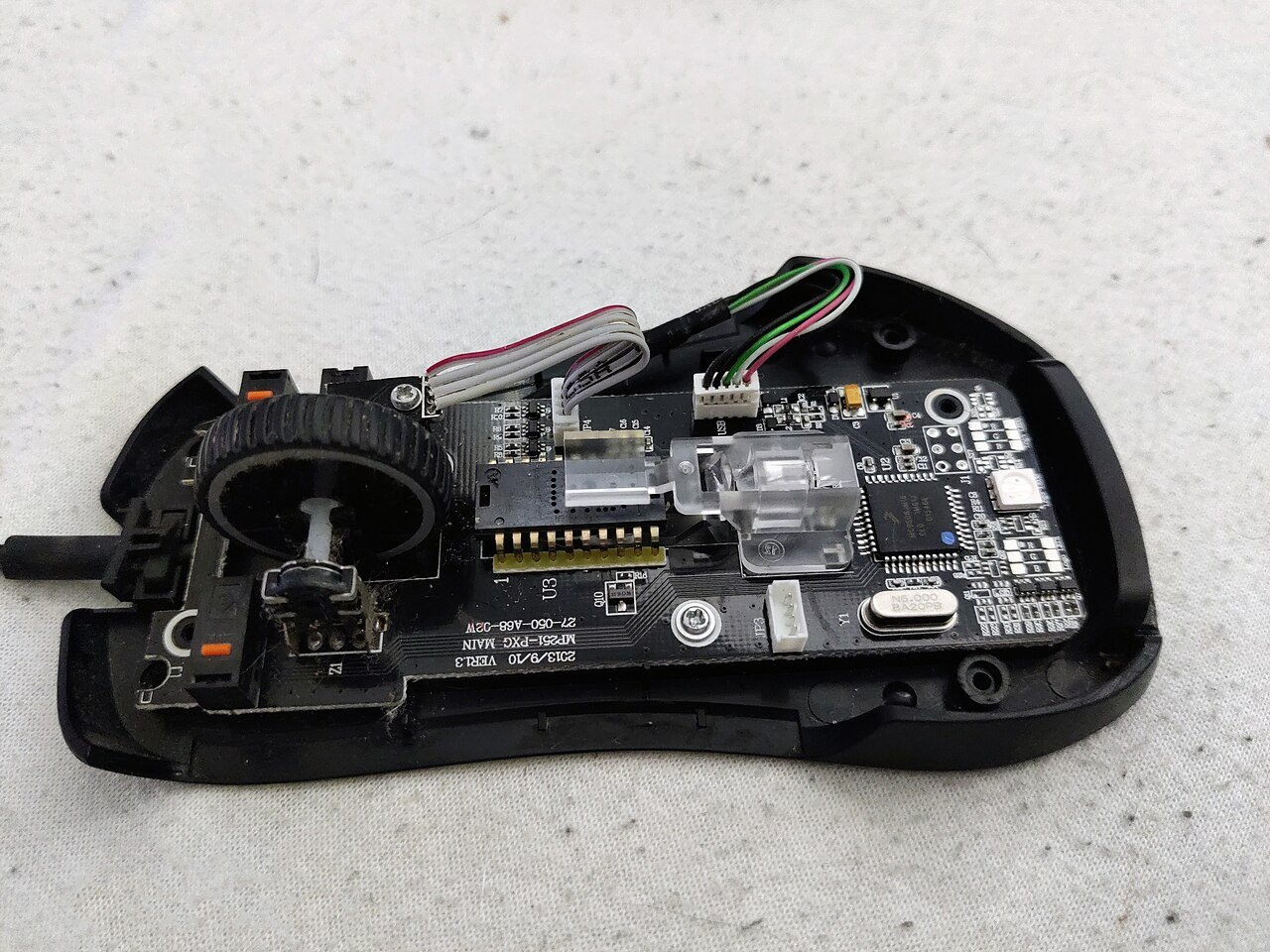
DPI in numbers
- 400 DPI: 1 inch of mouse movement = 400 counts
- 800 DPI: 1 inch = 800 counts, twice as fast as 400
- 1600 DPI: 1 inch = 1,600 counts, four times as fast as 400
On the Windows desktop (with Enhance pointer precision off and the pointer speed slider on its default middle notch), one count moves the cursor one pixel. So DPI decides how far your hand has to travel to cross the screen.
DPI is not sensitivity. DPI is set on the mouse. Sensitivity is a multiplier inside the game. Two players can have completely different DPI and still have exactly the same aim speed, as the eDPI section below shows.
How Far You Move the Mouse to Cross the Screen (Windows desktop, 1:1)
Swipe sideways on mobile to see every column.
| Mouse DPI | 1920 px wide (1080p) | 2560 px wide (1440p) | 3840 px wide (4K) |
|---|---|---|---|
|
400 DPI |
4.8 inch (12.2 cm) |
6.4 inch (16.3 cm) |
9.6 inch (24.4 cm) |
|
800 DPI |
2.4 inch (6.1 cm) |
3.2 inch (8.1 cm) |
4.8 inch (12.2 cm) |
|
1600 DPI |
1.2 inch (3.0 cm) |
1.6 inch (4.1 cm) |
2.4 inch (6.1 cm) |
|
3200 DPI |
0.6 inch (1.5 cm) |
0.8 inch (2.0 cm) |
1.2 inch (3.0 cm) |
|
6400 DPI |
0.3 inch (0.8 cm) |
0.4 inch (1.0 cm) |
0.6 inch (1.5 cm) |
Maths: screen width in pixels / DPI = inches of mouse travel (1 inch = 2.54 cm). This is why 1600 DPI feels comfortable on a 4K screen, while 6400 DPI makes the cursor jump across a 1080p screen with a 1 cm flick.
THE KEY NUMBER
eDPI: The Number That Actually Decides Your Aim Speed
In games, your aim speed depends on two settings multiplied together. This is called eDPI (effective DPI):
eDPI = mouse DPI x in-game sensitivity
- 400 DPI x 0.70 sensitivity = 280 eDPI
- 800 DPI x 0.35 sensitivity = 280 eDPI
- 1600 DPI x 0.175 sensitivity = 280 eDPI
All three players above turn at exactly the same speed in Valorant. That is why the DPI number on the box does not decide how good a mouse is for gaming. eDPI lets you compare your settings with a friend or a pro player even if you use different DPI.
cm/360: the same idea in real distance
cm/360 is how many centimetres you move the mouse to turn a full 360 degrees in the game. It is the most honest way to compare sensitivity, even between different games:
cm/360 = 914.4 / (eDPI x game yaw)
The yaw value is fixed by each game: 0.07 in Valorant and 0.022 in CS2. (914.4 is 360 degrees x 2.54 cm.) A higher cm/360 means a lower, slower sensitivity.
Converting between Valorant and CS2: CS2 sensitivity = Valorant sensitivity x 3.18. Valorant sensitivity = CS2 sensitivity / 3.18. Keep the same DPI and your turning speed stays the same in both games.
eDPI and cm/360 at Common Pro Settings
Swipe sideways on mobile to see every column.
| Game | Setting | eDPI | cm/360 | 180-degree turn needs |
|---|---|---|---|---|
|
Valorant |
800 DPI x 0.25 |
200 |
65.3 cm |
32.7 cm |
|
Valorant |
800 DPI x 0.30 |
240 |
54.4 cm |
27.2 cm |
|
Valorant |
800 DPI x 0.35 |
280 |
46.7 cm |
23.3 cm |
|
Valorant |
800 DPI x 0.40 |
320 |
40.8 cm |
20.4 cm |
|
CS2 |
400 DPI x 2.0 |
800 |
52.0 cm |
26.0 cm |
|
CS2 |
800 DPI x 1.0 |
800 |
52.0 cm |
26.0 cm |
|
CS2 |
800 DPI x 1.2 |
960 |
43.3 cm |
21.6 cm |
|
CS2 |
400 DPI x 3.0 |
1,200 |
34.6 cm |
17.3 cm |
Worked out with the formula above. Look at the last column: at typical pro settings, a 180-degree turn needs a 20 to 33 cm swipe. That is why pros use large mousepads (45 cm wide or more) and why a small office mousepad holds back low-sensitivity aim.
PRO DATA
What DPI Do Pro Players Use in 2026?
Numbers are more useful than opinions, so here is what the pros actually use.
CS2 pros (818 active players, data as of 2 November 2026)
- 400 DPI: 47% of players (384)
- 800 DPI: 46% (373)
- 1600 DPI: 5% (40)
- 3200 DPI or anything else: about 2%
- Median eDPI: 800, average 855. Half of all pros are between 704 and 960 eDPI. 55% play at 800 eDPI or lower, and only 6% go above 1,200.
- AWPers play slightly faster (median 859 eDPI) than riflers (median 800).
- 74% of CS2 pros also play on a 4:3 stretched resolution.
Source: CSDB pro sensitivity and pro player settings data, November 2026.
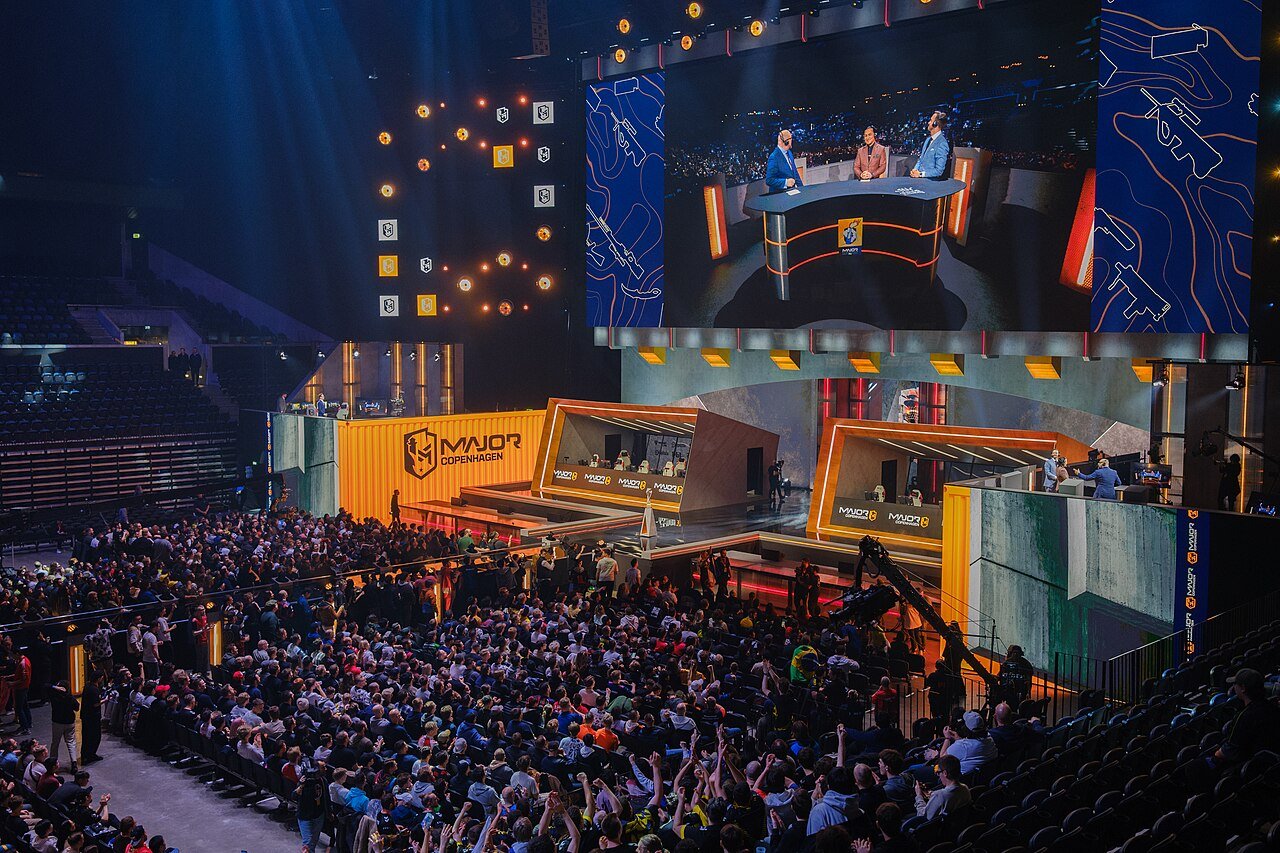
Valorant pros (668 players with reported settings, September 2026)
- Average eDPI: 248, median 231.
- Most pros use 800 DPI with a sensitivity between 0.25 and 0.40, or 1600 DPI with half of that.
- 74% keep the Scoped Sensitivity Multiplier at 1.0.
- In an older 2021 ProSettings count of Valorant pros, 53% used 400 DPI and 37% used 800 DPI. Since then 800 DPI has become the more common choice, but the eDPI range has stayed about the same.
Source: ProSettings data via setup.gg (2026) and Dignitas (2021).
Valorant Pro Settings: DPI, Sensitivity and eDPI
Swipe sideways on mobile to see every column.
| Player | DPI | Sensitivity | eDPI | cm/360 |
|---|---|---|---|---|
|
aspas |
800 |
0.40 |
320 |
40.8 cm |
|
Primmie |
800 |
0.35 |
280 |
46.7 cm |
|
florescent |
1600 |
0.175 |
280 |
46.7 cm |
|
OXY |
800 |
0.25 |
200 |
65.3 cm |
|
Pro average |
– |
– |
248 |
52.7 cm |
Player settings as listed on setup.gg (updated September 2026). Pros change settings often, so treat these as examples of the range, not a setting to copy forever.
VALORANT
Best DPI and Sensitivity for Valorant
Start at 800 DPI and 0.35 sensitivity (280 eDPI). That is close to the pro average, and it gives a 180-degree turn in about 23 cm, which suits a normal 45 cm mousepad.
- Set your mouse to 800 DPI in its software (Logitech G HUB, Razer Synapse and so on) or with the DPI button.
- In Valorant, go to Settings > Controls > General and set Sensitivity: Aim to 0.35.
- Leave Scoped Sensitivity Multiplier at 1.0.
- Turn Raw Input Buffer on if your mouse runs at 1000 Hz or more.
- Play deathmatch for a few days before changing anything.
How to tune it
- You overshoot targets and your crosshair shakes: lower the sensitivity by 0.02 to 0.03.
- You cannot turn to check corners without lifting the mouse: raise it by 0.02 to 0.03.
- Stay inside 200 to 320 eDPI unless you have a strong reason. That is where most pros are.
Prefer 1600 DPI? That is fine. Use half the sensitivity (0.175 instead of 0.35) and the aim feels exactly the same. 1600 DPI also makes the Windows desktop cursor feel quicker on a 1440p or 4K monitor.
CS2
Best DPI and Sensitivity for CS2
Start at 800 DPI and 1.0 sensitivity (800 eDPI), which is the exact median of CS2 pros. If you are on 400 DPI, use 2.0.
- Set the mouse to 800 DPI.
- In CS2, open Settings > Keyboard / Mouse and set Mouse Sensitivity to 1.0 (or type
sensitivity 1in the console). - Keep Zoom Sensitivity at 1.0 unless you AWP a lot and want it slower.
- CS2 always reads the mouse directly (raw input), so the Windows pointer speed slider does not change your in-game aim.
How to tune it
- Rifler who plays slow and holds angles: 700 to 900 eDPI.
- AWPer or entry player who needs fast flicks: 850 to 1,000 eDPI.
- Above 1,200 eDPI is rare: only 6% of CS2 pros play that fast.
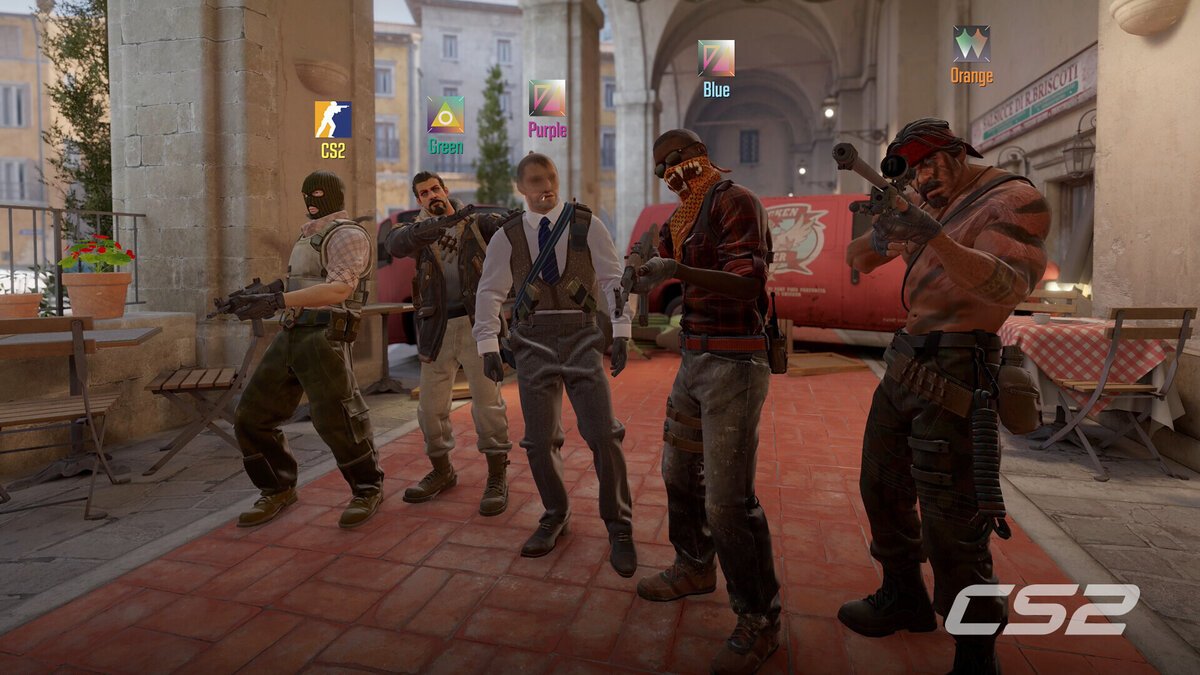
Coming from Valorant? Multiply your Valorant sensitivity by 3.18. For example, 0.35 in Valorant = 1.11 in CS2 at the same DPI.
BGMI
Best DPI for BGMI: Phone DPI vs Mouse DPI
BGMI (Battlegrounds Mobile India) is a phone game, so mouse DPI does not apply to it. When BGMI players talk about “DPI”, they usually mean one of two different things:
1. The phone's display DPI (Developer options > Smallest width)
On Android, Developer options > Smallest width changes how large everything on the screen is drawn. Many BGMI videos say a different value gives “faster swipes” or “more headshots”. In practice it rescales the whole phone interface: text and icons get smaller or larger, some apps lay out badly, and the effect on aim is not consistent from phone to phone. We do not recommend changing it for BGMI. The in-game sensitivity settings do the same job safely and can be reset any time.
2. BGMI's own sensitivity settings (what you should change)
- Camera sensitivity (free look): how fast you look around with a swipe
- ADS sensitivity: how fast you aim while aiming down sights, set separately for red dot, 2x, 3x, 4x, 6x and 8x
- Gyroscope sensitivity: if you aim by tilting the phone
A simple BGMI sensitivity test
- Open the Training Ground and stand still.
- Swipe from the centre to the edge of the screen. If you turn roughly 180 degrees, your camera sensitivity is in a good range. If you turn much more, lower it. If much less, raise it.
- Spray at a wall from 50 m with each scope and change the ADS value until the recoil pattern stays inside a small area.
- Save the setup and share it as a sensitivity code from Settings > Sensitivity, so you can restore it after reinstalling.
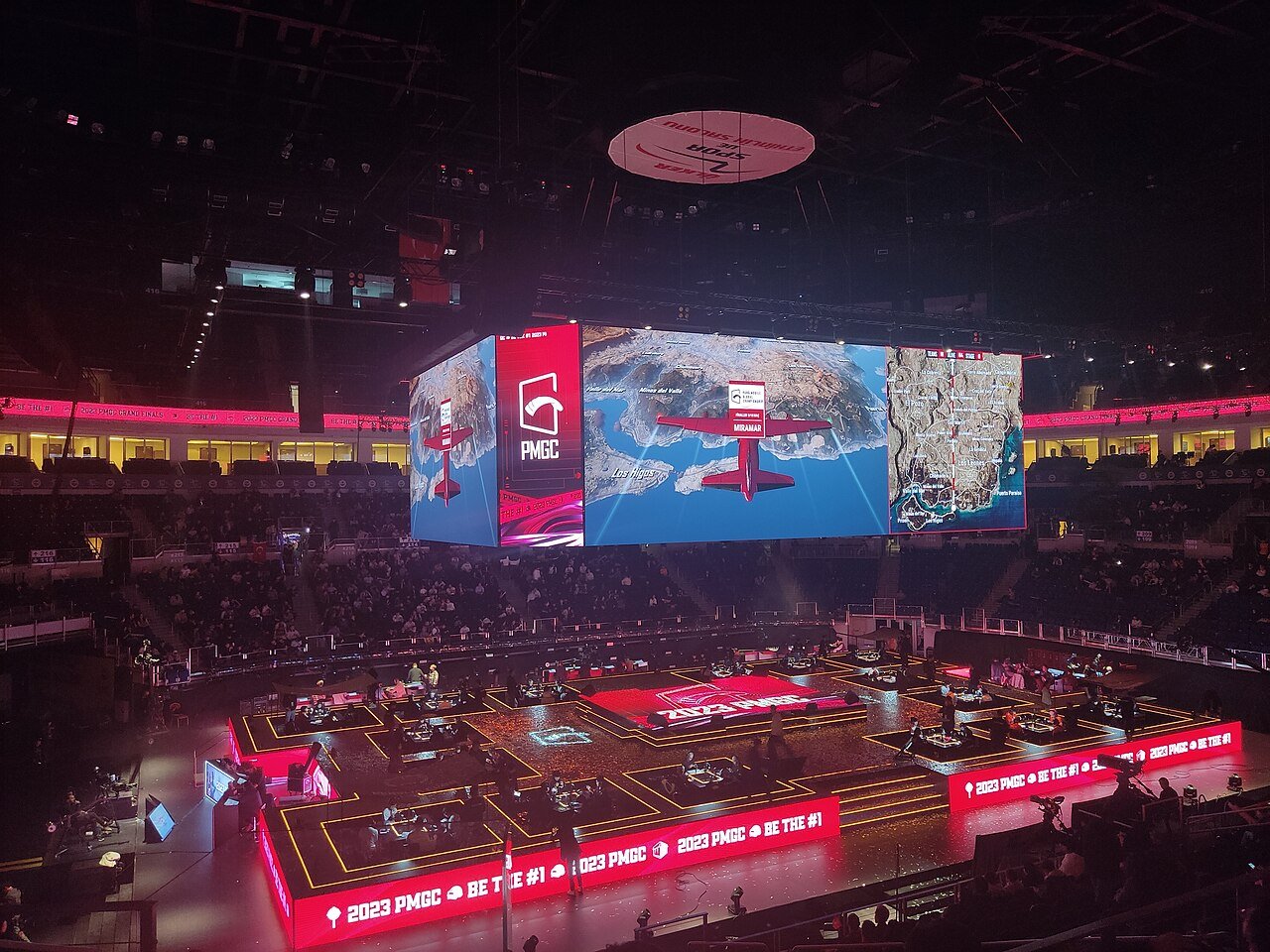
BGMI with a mouse on a PC? BGMI has no official PC version, and Krafton has said it will not release an emulator version because of cheating concerns. Playing with a mouse on an emulator can put your account at risk. If you want mouse-and-keyboard battle royale, use the PC game PUBG: Battlegrounds, where the 400 to 800 DPI advice above applies.
Best Mouse DPI by Game and Use
Swipe sideways on mobile to see every column.
| Game or use | Best mouse DPI | Typical eDPI or setting | Why |
|---|---|---|---|
|
Valorant |
800 (or 1600) |
200 to 320 eDPI |
Precise tap shots and small head-level adjustments |
|
CS2 |
400 or 800 |
700 to 1,000 eDPI |
93% of CS2 pros use one of these two |
|
PUBG: Battlegrounds, Apex, Fortnite (PC) |
800 |
Medium sensitivity |
Needs both long sprays and fast 180-degree turns |
|
BGMI, Free Fire (phone) |
Not applicable |
In-game camera and ADS sensitivity |
Touch game, mouse DPI is not used |
|
MOBA and RTS (Dota 2, League of Legends) |
1600 to 3200 |
Fast desktop cursor |
You click all over the screen, not aim at heads |
|
AAA single-player games |
800 to 1600 |
Default sensitivity is fine |
Comfort matters more than pixel precision |
|
Office work and browsing, 1080p |
800 to 1600 |
Windows slider on default |
Crosses the screen in 3 to 6 cm |
|
1440p or 4K monitor |
1600 to 3200 |
Windows slider on default |
More pixels need more counts per inch |
|
Photo and design work |
1600 to 3200 |
Windows slider on default |
Big screen, fine control with a light hand |
OUR SETUP
How We Set DPI on Our Own Gaming Mice
We tested these DPI settings with multiplayer games like Valorant and CS2 and with modern AAA single-player games, on both gaming laptops and a desktop PC. Our routine is the same on every mouse we use:
- Check the real DPI. Budget mice often ship on a high default such as 1600 or 3200. We set the mouse to 800 DPI in its software first, so the DPI button cannot change it by accident.
- Turn off Enhance pointer precision in Windows (Settings > Bluetooth & devices > Mouse > Additional mouse settings > Pointer Options). It adds acceleration, so the same hand movement gives a different distance depending on speed.
- Match the games. Valorant and CS2 get the same turning speed using the 3.18 conversion, so moving between games does not feel strange.
- Raise DPI, not the Windows slider, for big screens. On a 1440p or 4K monitor we use 1600 DPI and halve the in-game sensitivity.
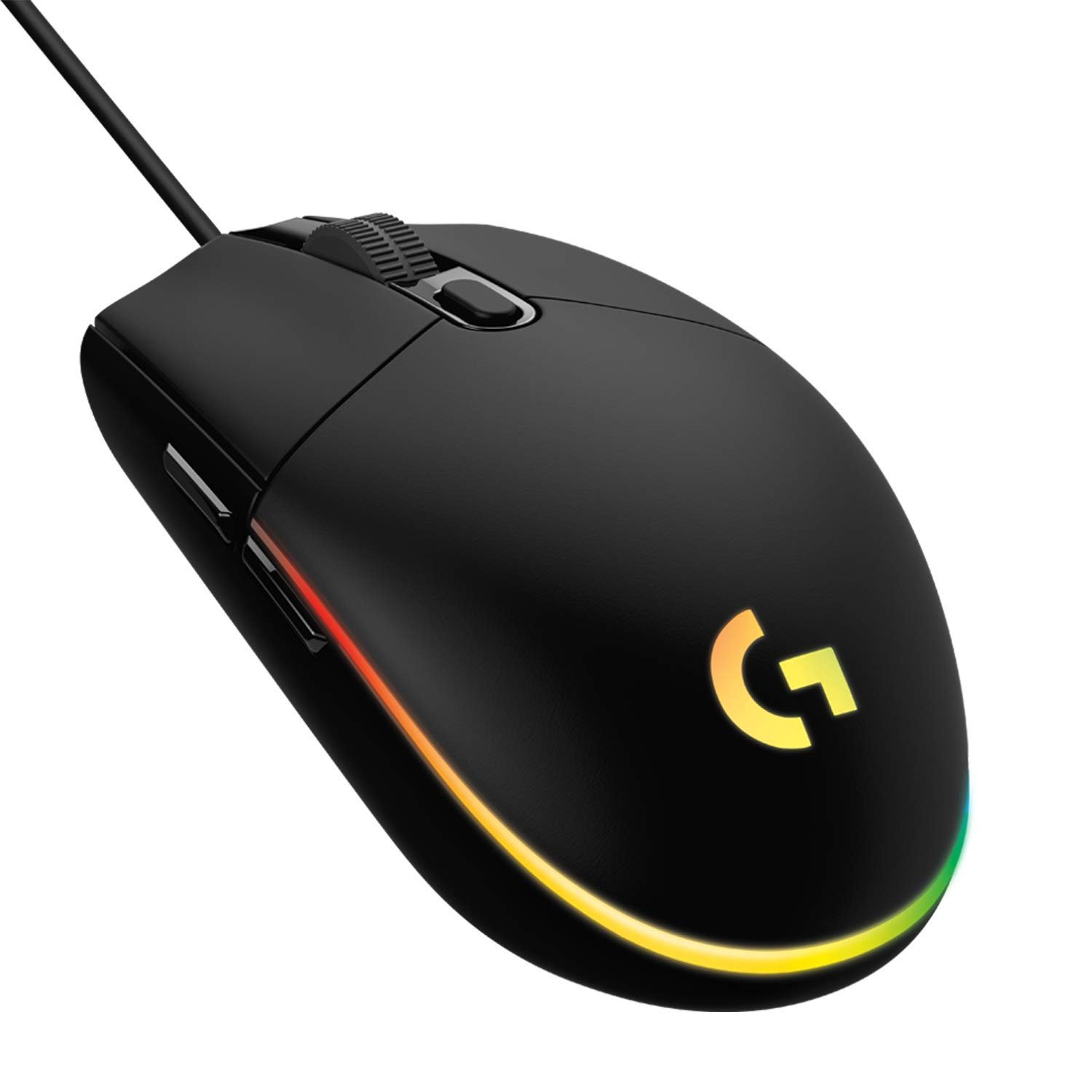
The higher DPI marketing number does not matter. A Rs 1,500 mouse with an 8,000 DPI maximum is as accurate at 800 DPI as a flagship with a 35,000 DPI maximum, as long as it uses a proper gaming sensor. What separates good mice is shape, weight, click quality and a sensor without built-in acceleration or smoothing. See our tested picks in Best Gaming Mouse Under 2000 in India.
HOW TO
How to Check and Change Your Mouse DPI
Find out your current DPI
- Gaming mouse with software: open Logitech G HUB, Razer Synapse, SteelSeries GG, Corsair iCUE or the brand’s app. The active DPI level is shown on the main screen.
- Mouse with a DPI button and LED: the LED colour or the number of lights usually shows the level. The colour list is in the manual or on the brand’s support page.
- Office mouse without software: it is usually fixed at 800 to 1600 DPI. The exact figure is on the box or the product page.
Change the DPI
- Use the DPI button (usually behind the scroll wheel or under the mouse) to cycle through the preset levels.
- Or set exact values in the brand’s software. Remove levels you never use so you cannot press into them mid-game.
- Software settings are often saved to the mouse’s onboard memory, so they keep working on another PC or laptop.
Do not use the Windows pointer speed slider to change DPI. Leave it on the middle notch (6 of 11), which is 1:1. Other notches skip or multiply pixels on the desktop, and games with raw input (Valorant, CS2) ignore it anyway.
DPI Myths That Waste Your Money
- “Higher max DPI = better gaming mouse.” No. Pros play at 400 to 800 DPI. A higher maximum is a marketing number.
- “Low DPI means low accuracy.” Not at normal settings. At 800 DPI one count is about 0.03 mm of hand movement, far finer than anyone can control. Very low DPI with a very high in-game sensitivity can feel steppy, which is why most pros now prefer 800 over 400.
- “DPI and polling rate are the same thing.” They are different. DPI is how finely movement is measured. Polling rate (125, 500, 1000 Hz or more) is how often the mouse reports to the PC. 1000 Hz is a good standard for gaming.
- “Copy a pro’s DPI and you will aim like them.” Their settings suit their arm, desk and mousepad. Use pro data to pick a starting range, then tune it.
- “A gaming mouse fixes BGMI aim.” BGMI is played on the phone screen. Mouse DPI has nothing to do with it.
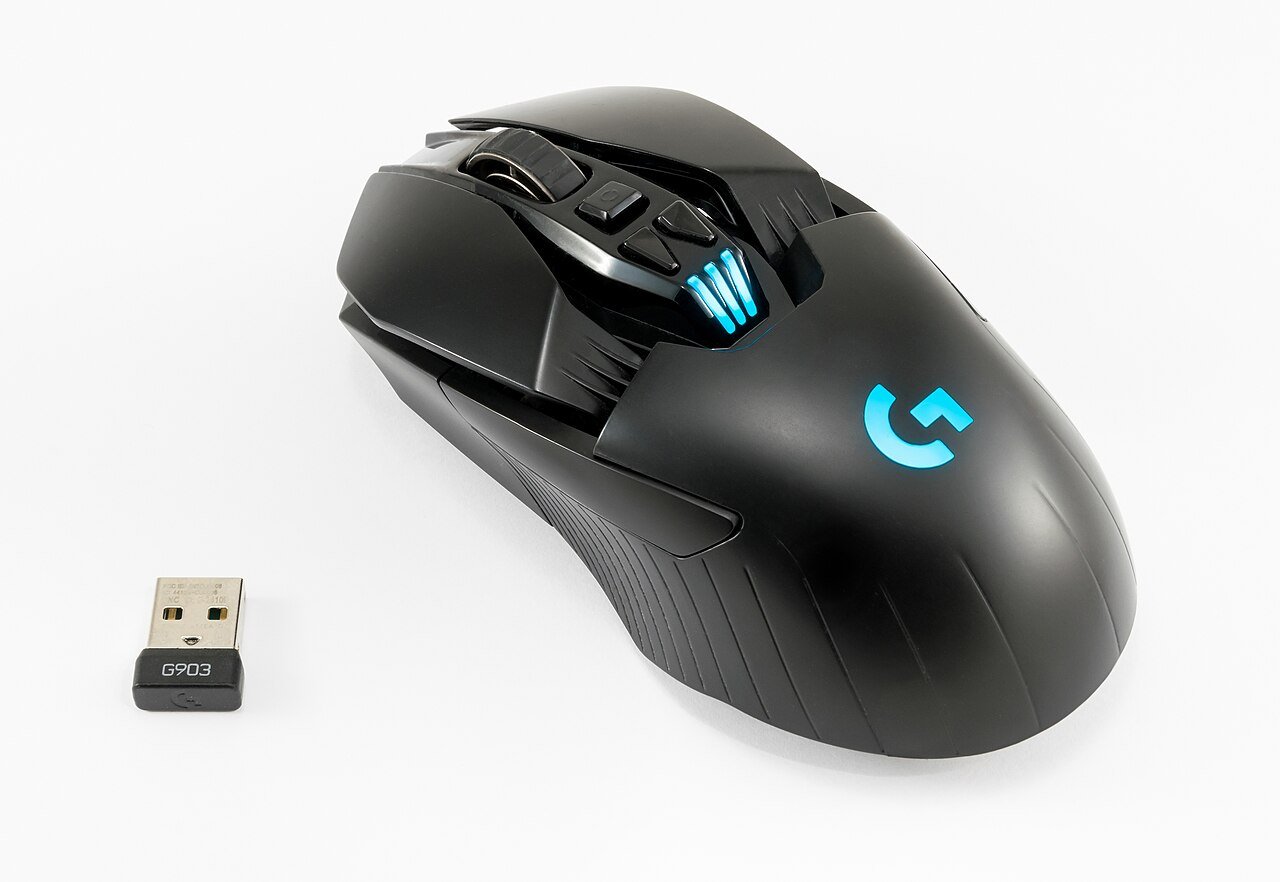
Gaming Mice Worth Buying
Every mouse in this list is new, in stock in India and can be set to 400, 800 or 1600 DPI in its software or with a DPI button.
Frequently Asked Questions About Mouse DPI
What is DPI in a mouse in simple words?
DPI (dots per inch) is how many pixels the cursor moves when you move the mouse one inch. At 800 DPI, one inch of mouse movement moves the cursor about 800 pixels. Higher DPI makes the cursor faster for the same hand movement.
Is higher DPI better for gaming?
No. Higher DPI only makes the cursor faster. Most pro players use 400 or 800 DPI: in CS2, 93% of tracked pros use one of those two. What matters is eDPI (DPI x in-game sensitivity) and a good sensor, not the maximum DPI on the box.
What is the best DPI for Valorant?
800 DPI with an in-game sensitivity of 0.30 to 0.40 (240 to 320 eDPI) is the best starting point. The Valorant pro average is about 248 eDPI. 1600 DPI with half the sensitivity feels exactly the same.
What is the best DPI for CS2?
400 or 800 DPI. Start at 800 DPI with 1.0 sensitivity (800 eDPI), which is the median of CS2 pros, or 400 DPI with 2.0. Most pros stay between 700 and 1,000 eDPI.
What is the best DPI for BGMI?
BGMI is a phone game, so mouse DPI does not apply. Changing the phone’s display DPI (Smallest width in Developer options) rescales the whole interface and does not reliably improve aim. Set camera, ADS and gyroscope sensitivity inside BGMI instead.
Is 800 DPI or 1600 DPI better?
Neither is more accurate in games if you adjust the in-game sensitivity to match: 800 DPI x 0.35 and 1600 DPI x 0.175 give the same aim speed. 800 DPI is the most common pro choice. 1600 DPI makes the desktop cursor faster, which helps on 1440p and 4K monitors.
What is eDPI and how do I calculate it?
eDPI (effective DPI) is your mouse DPI multiplied by your in-game sensitivity. For example, 800 DPI x 0.35 = 280 eDPI. It lets you compare aim speed between players who use different DPI.
How do I convert Valorant sensitivity to CS2?
Multiply your Valorant sensitivity by 3.18 to get the CS2 sensitivity at the same DPI. For example, 0.35 in Valorant equals about 1.11 in CS2. To go from CS2 to Valorant, divide by 3.18.
What DPI should I use for normal office work?
800 to 1600 DPI on a 1080p screen, and 1600 or more on a 1440p or 4K screen. Keep the Windows pointer speed slider on its default middle notch and turn off Enhance pointer precision.
Does DPI affect input lag?
On a modern gaming sensor the effect is too small to notice at normal settings. Polling rate (how often the mouse reports to the PC) has a bigger effect on responsiveness than DPI. 1000 Hz is a good standard for gaming.
Final Verdict
DPI is just how far your cursor moves per inch of mouse movement. It is not a measure of quality, and the maximum DPI printed on the box does not matter for gaming. Set your mouse to 800 DPI, then tune the in-game sensitivity: around 0.35 in Valorant (280 eDPI) and around 1.0 in CS2 (800 eDPI), which matches the pro data. Use 1600 DPI if you have a 1440p or 4K monitor and halve the sensitivity. For BGMI, forget mouse DPI and phone DPI tricks and set the camera and ADS sensitivity in the game. Any good budget gaming mouse can do all of this, so pick one for its shape, weight and clicks.

Getmyelectronic is a buying guide for laptops, monitors, graphics cards and gaming PC accessories in India. The guides are written by Rajarajan, a gamer and PC hardware enthusiast. The aim is simple: help you pick the right product for your budget and your use, without the marketing noise