UPDATED OCTOBER 2026 | GAMING LAPTOPS | RAM GUIDE
Many budget gaming laptops in India still ship with 8GB of RAM, and a lot of people are asking the same thing before they buy: is 8GB RAM enough for gaming in 2026, or will new games stutter?
The honest answer depends on which games you play. This guide shows how much RAM popular games really ask for, what happens when a laptop runs out of memory, and when 8GB is fine, when you need 16GB, and how to upgrade.
Short Answer: Is 8GB RAM Enough for Gaming?
8GB RAM is enough only for older and esports games like Valorant, CS2, Minecraft and GTA V Legacy at 1080p. It is not enough for most new AAA games in 2026: Battlefield 6, Monster Hunter Wilds and Assassin’s Creed Shadows list 16GB as the minimum. For a gaming laptop today, 16GB (2 x 8GB, dual channel) is the right amount, and 32GB is only needed for heavy streaming or video editing.
- Esports and older games: 8GB works
- New AAA games: 16GB is the minimum
- Gaming + Discord + Chrome open: 16GB
- Streaming, editing or modding: 32GB
8GB vs 12GB vs 16GB vs 32GB RAM for Gaming
Swipe sideways on mobile to see every column.
| RAM | What it can run | Who it suits | Verdict for 2026 |
|---|---|---|---|
|
8GB |
Valorant, CS2, Minecraft, GTA V Legacy, older games at low to medium settings |
Students on a tight budget, light gaming |
Bare minimum. Plan to upgrade |
|
12GB |
Most games at medium settings, a few new titles with stutter |
Budget gaming laptops with 8GB + 4GB |
Better, but odd sizes may not run in dual channel |
|
16GB |
Almost every current game, including Battlefield 6 and Monster Hunter Wilds |
Most gamers |
The sweet spot for a gaming laptop |
|
32GB |
Everything, with room for streaming, browser tabs and mods |
Streamers, creators, heavy multitaskers |
Nice to have, not needed for gaming alone |
WHY 8GB RUNS OUT
Why 8GB RAM Feels Small for Games in 2026
An 8GB laptop does not give 8GB to your game. Windows 11 itself uses about 3GB to 4GB after startup, and apps like Chrome, Discord, antivirus and the game launcher (Steam, Epic, Riot) take another 1GB to 2GB. That leaves roughly 3GB to 4GB for the game.
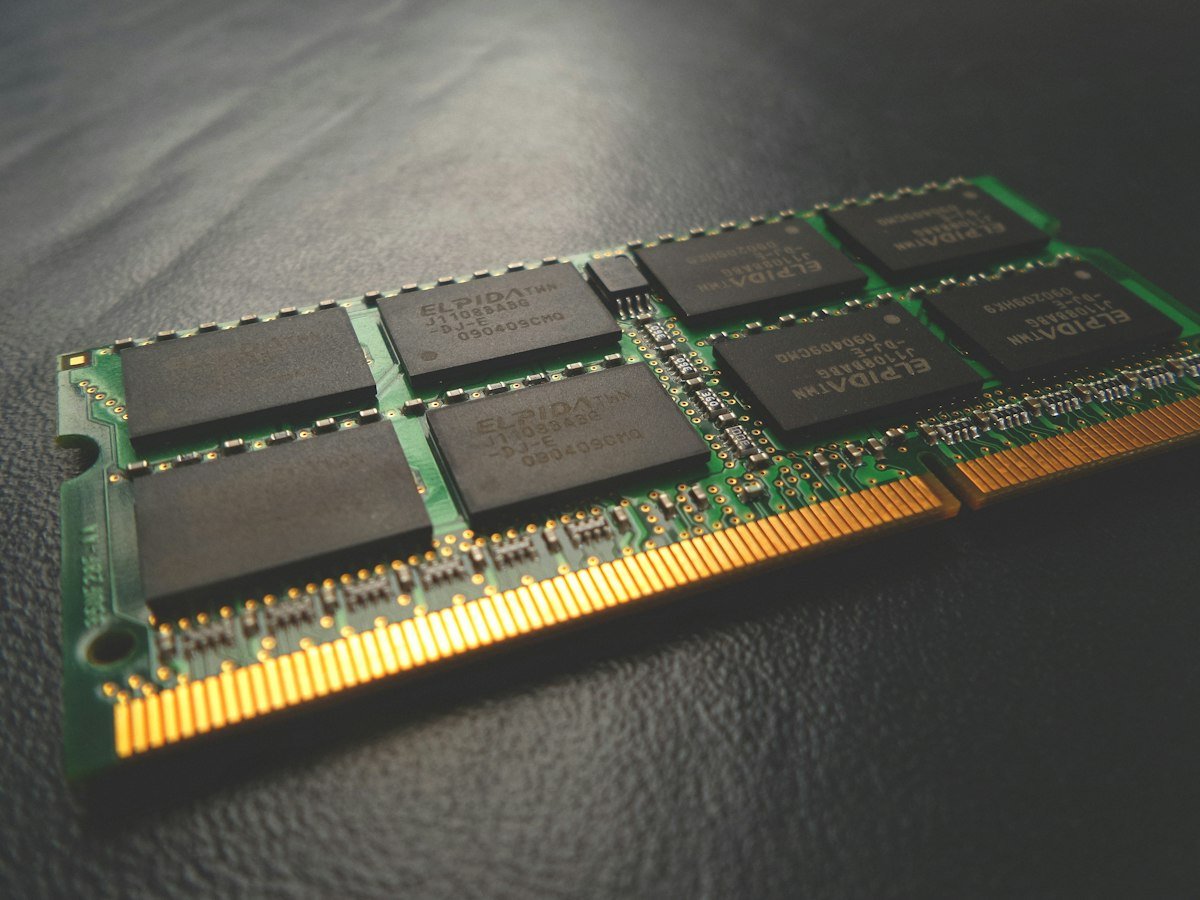
When a game needs more than what is free, Windows moves data to the SSD (the page file). An SSD is many times slower than RAM, so you see the result as sudden stutters, long loading, textures popping in late and frame drops in busy scenes, even when the average FPS looks fine.
Laptops without a graphics card lose even more. Integrated graphics (Intel Iris Xe, Intel Arc, AMD Radeon) have no video memory of their own and borrow part of your RAM. On an 8GB laptop without an NVIDIA or AMD graphics card, games may get only 2GB to 3GB.
How Much RAM Do Popular Games Need? (Official PC Requirements)
Swipe sideways on mobile to see every column.
| Game | Minimum RAM | Recommended RAM | Runs on 8GB? |
|---|---|---|---|
|
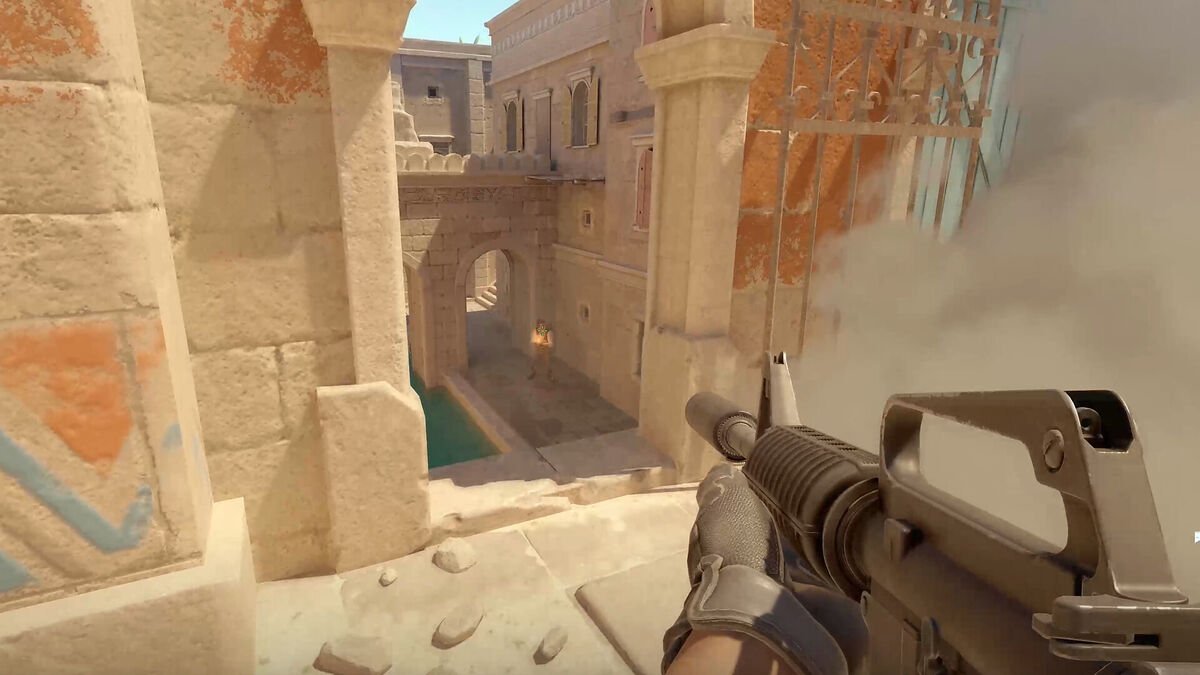
Valorant |
4GB |
4GB |
Yes, smoothly |
|
Counter-Strike 2 |
8GB |
8GB (only one level listed) |
Yes, close the browser first |
|
GTA V Legacy |
4GB |
8GB |
Yes |
|
Fortnite |
8GB |
16GB |
Yes at low to medium settings |
|
GTA V Enhanced |
8GB |
16GB (dual channel) |
Playable with stutter |
|
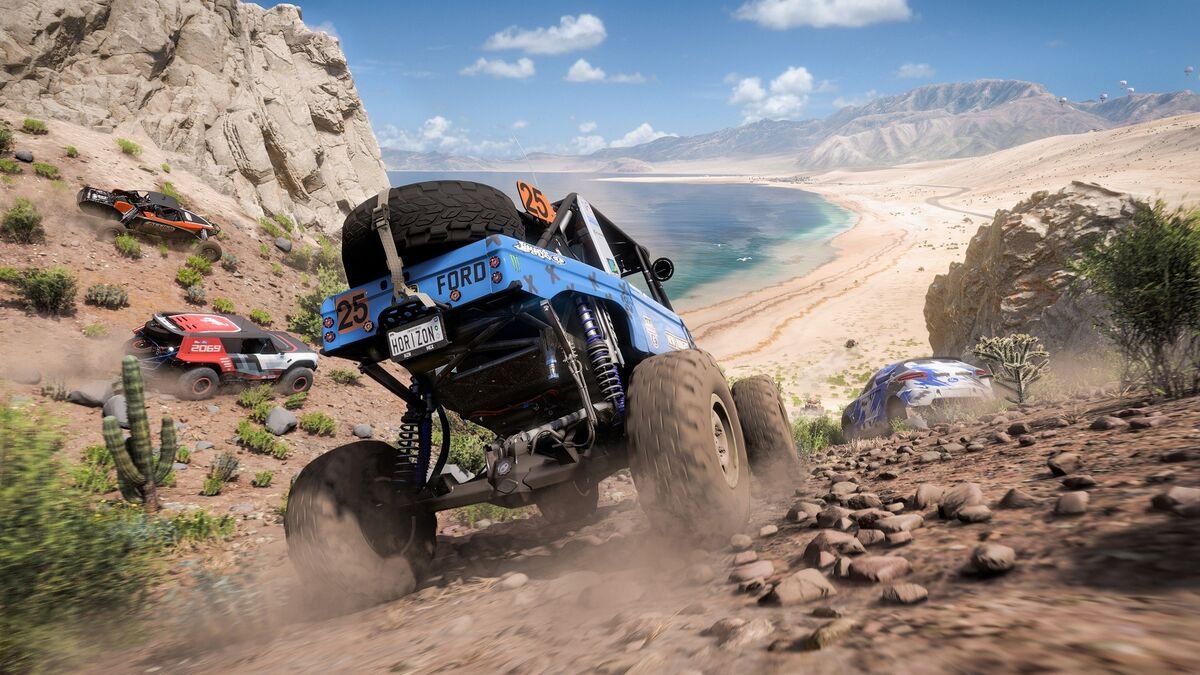
Forza Horizon 5 |
8GB |
16GB |
Playable at low settings |
|
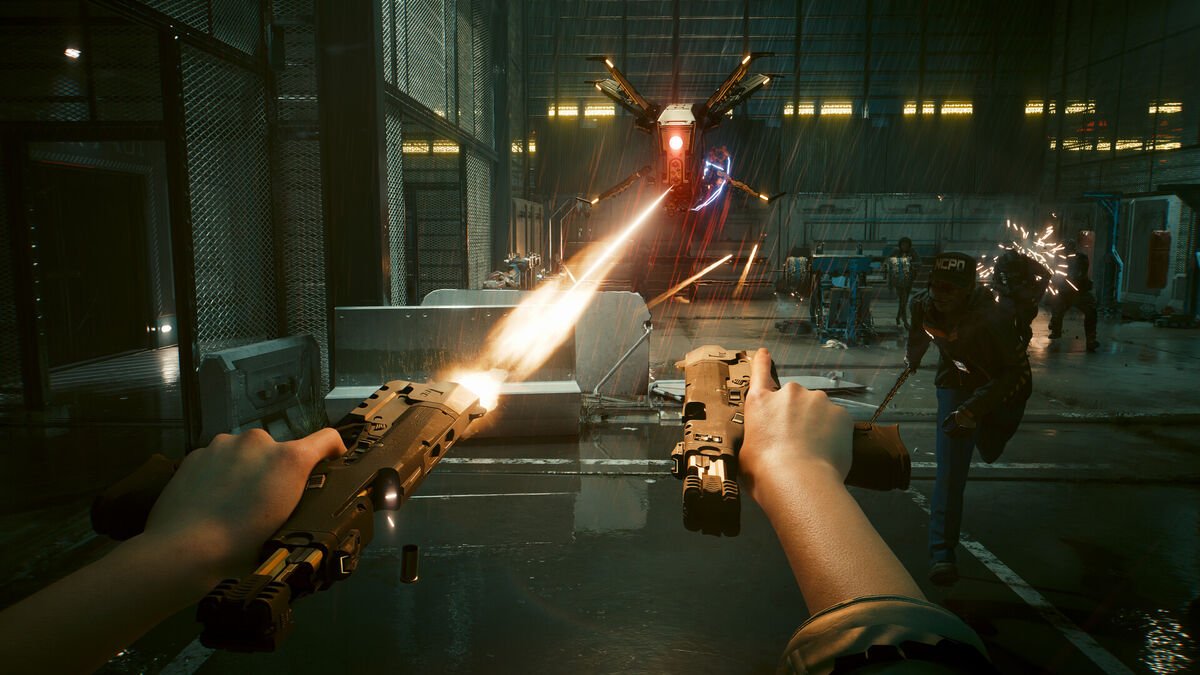
Cyberpunk 2077 |
12GB |
16GB |
Below minimum |
|
Elden Ring |
12GB |
16GB |
Below minimum |
|
Battlefield 6 |
16GB |
16GB |
No, below minimum |
|
Monster Hunter Wilds |
16GB |
16GB |
No, below minimum |
|
Assassin’s Creed Shadows |
16GB |
16GB |
No, below minimum |
Requirements are taken from each game’s official PC requirements page and can change with updates. “Runs on 8GB” assumes a laptop with a dedicated graphics card and nothing heavy open in the background.
WHAT TESTS SHOW
8GB vs 16GB RAM: What Real Gaming Tests Show
More RAM does not always mean more average FPS, but it almost always means smoother gameplay.
- A laptop test by LaptopMedia (Acer Predator Helios 300, RTX 3060) found one 8GB stick was about 12% slower on average than a dual-channel setup across 14 games. Battlefield V gained about 25%, Assassin’s Creed Odyssey up to 41%, and Rainbow Six Siege about 20%. The tester also noted more stutter on 8GB even where the FPS numbers were close.
- A 2026 RAM test by NoobFeed found Battlefield 6 stuttered on 8GB, with 1% lows falling to about 34 FPS when background apps were open. CS2 and PUBG were nearly the same on 8GB and 16GB, and The Last of Us Part II would not run on 8GB at all.
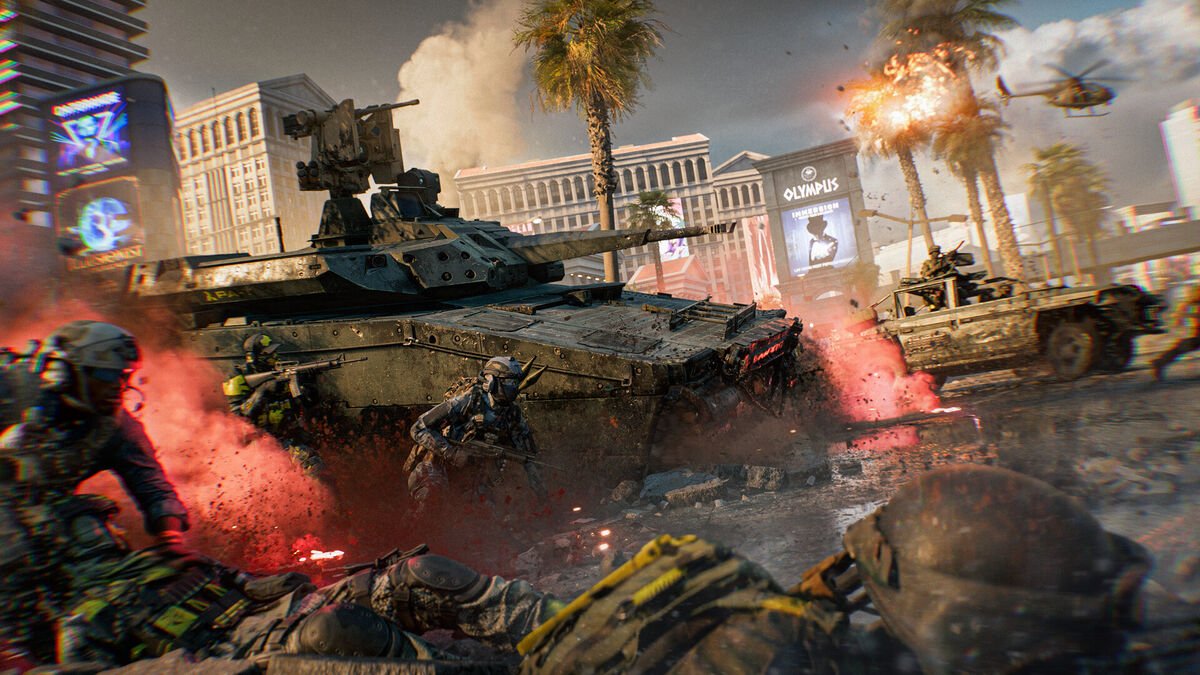
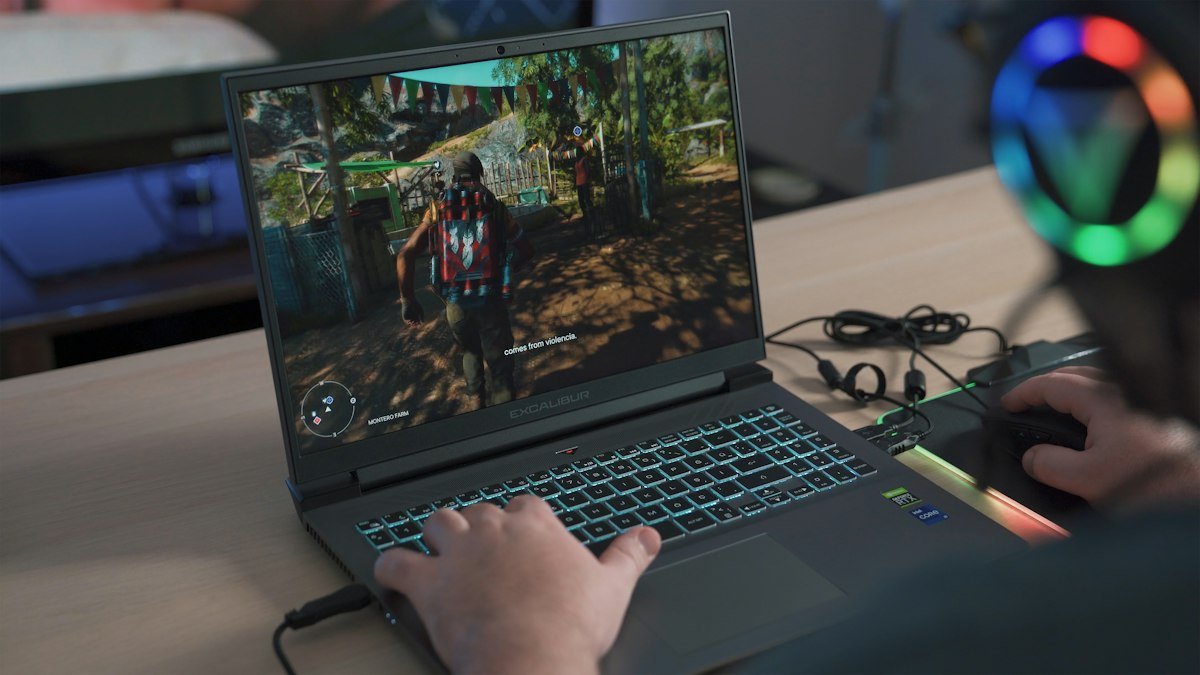
The pattern is simple: light esports games barely care, while big open-world and new AAA games stutter or refuse to start on 8GB.
DUAL CHANNEL
Dual Channel Matters as Much as Size
Most 8GB laptops use one 8GB stick (single channel). Two matching sticks (2 x 8GB) run in dual channel, which doubles memory bandwidth. Games feel the difference, and so does integrated graphics, which uses system RAM as video memory.
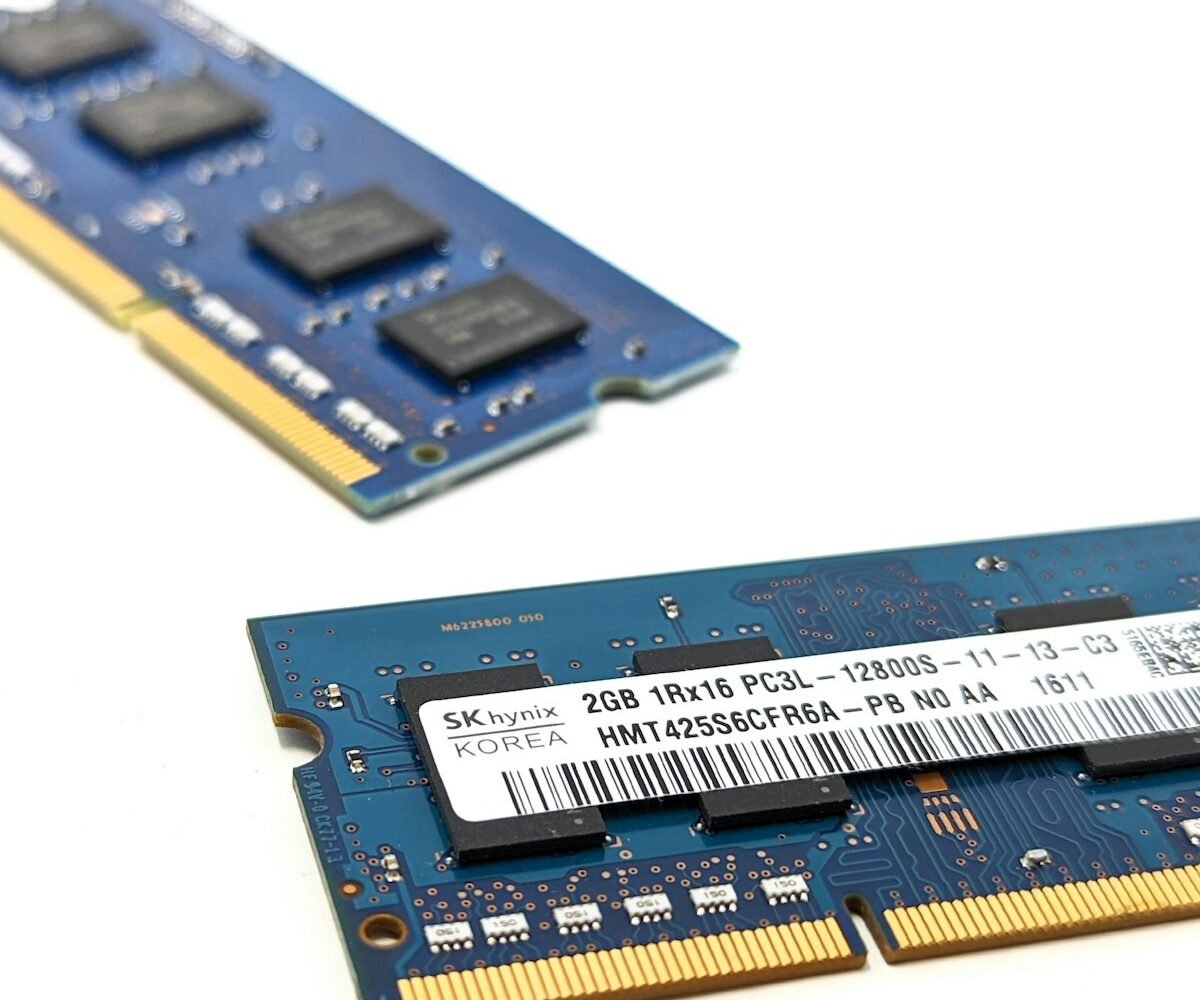
- 1 x 8GB: single channel, the slowest setup. Common on entry gaming laptops
- 2 x 4GB: dual channel, but still only 8GB in total
- 8GB + 4GB = 12GB: extra capacity, but only part of the memory runs in dual channel
- 2 x 8GB = 16GB: the best value upgrade for gaming
Tip: Buy the second stick with the same size, type (DDR4 or DDR5) and speed as the one already inside. Task Manager shows the speed, and the steps are in the next section.
METHOD
How to Check How Much RAM Your Laptop Has
Windows 11 shows the size, speed and free slots in Task Manager. You do not need to open the laptop.
- Press Ctrl + Shift + Esc to open Task Manager.
- Click Performance on the left, then click Memory.
- Read the total at the top right, for example 8.0 GB.
- Below the graph, check Speed (for example 3200 MT/s or 5600 MT/s), Slots used (for example 1 of 2) and Form factor (SODIMM or Row of chips).
- While a game is running, watch In use. If it stays above about 90%, the game needs more RAM.
If Slots used shows 1 of 2, you have a free slot and can simply add a second stick. If Form factor says Row of chips, the RAM is soldered and cannot be upgraded.
UPGRADE
Can You Upgrade an 8GB Gaming Laptop to 16GB?
Most gaming laptops can be upgraded, but thin laptops often cannot. Check this before you buy.
- Gaming laptops (Lenovo LOQ, HP Victus, ASUS TUF, Acer Nitro, Dell G15, MSI): usually have two SO-DIMM slots. Adding a matching 8GB DDR4 or DDR5 stick costs about the price of a mid-range game, and it is a 10-minute job with a small screwdriver.
- Thin and light laptops: often use LPDDR4X or LPDDR5 soldered RAM. It is fast and saves battery, but you can never add more. Buy 16GB from the start. Our LPDDR5 vs DDR5 guide explains the difference.
- Some models mix both: 8GB soldered on the board plus one empty slot.
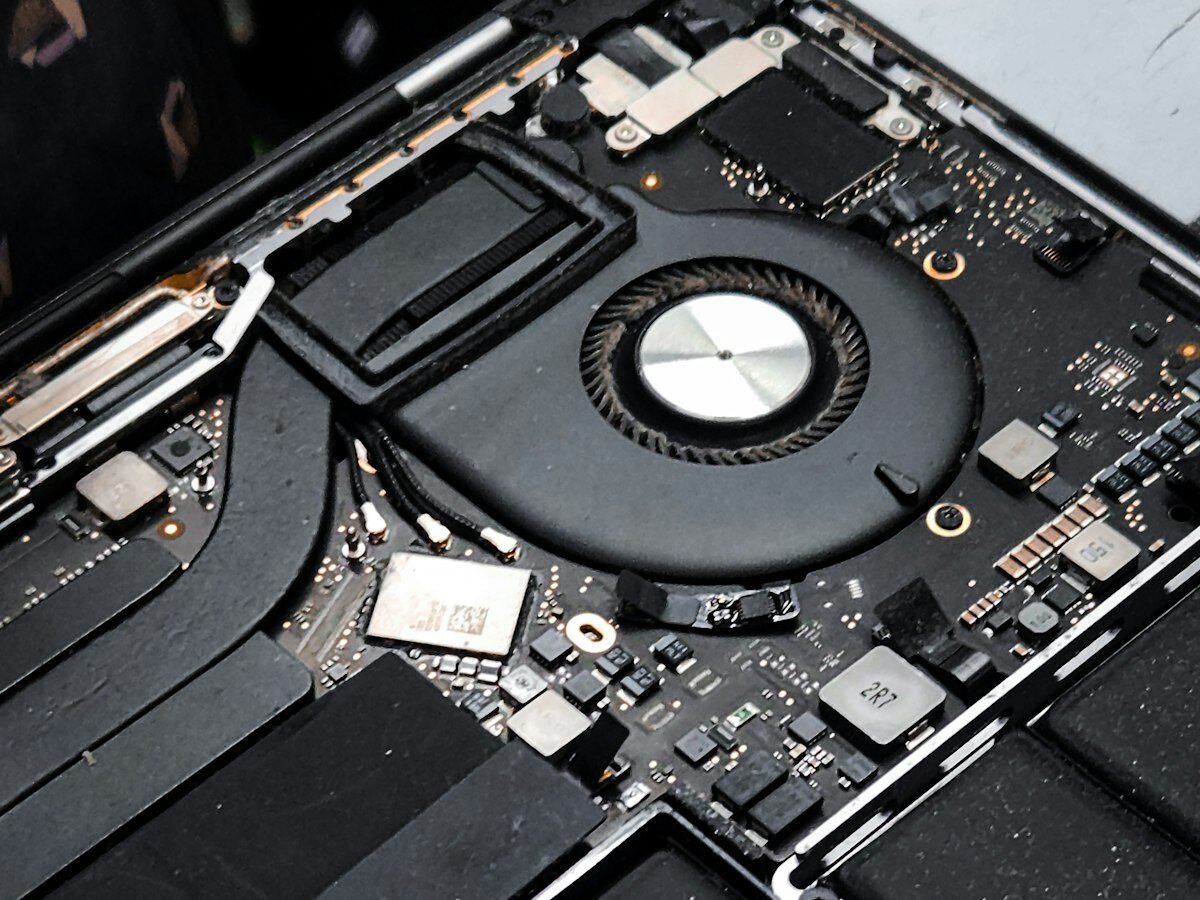
Before upgrading: match the RAM type (DDR4 or DDR5) and speed shown in Task Manager, and check your laptop maker’s support page. If the laptop is still under warranty, ask the brand’s service centre to fit it.
Who Should Still Buy an 8GB Laptop?
8GB is fine if all of the points below match you:
- You play only esports or older games: Valorant, CS2, Minecraft, GTA V Legacy
- You do office work, classes and browsing with only a few tabs open
- Your budget is under Rs 50,000 and the laptop has a free RAM slot, so you can upgrade later
Skip 8GB if you want to play new AAA games, stream on YouTube or Twitch, edit videos, or keep the laptop for four years or more.
Shopping on a smaller budget? Our best laptops under 35000 guide lists new budget laptops for study, office work and light games.
Best Gaming Laptops with 16GB RAM in India
Our buying guides list new, in-stock laptops on Amazon India and point out which ones still ship with 8GB, so you know when an upgrade is needed.
Frequently Asked Questions About 8GB RAM for Gaming
Is 8GB RAM enough for gaming in 2026?
Only for esports and older games such as Valorant, CS2, Minecraft and GTA V Legacy. Many new AAA games, including Battlefield 6, Monster Hunter Wilds and Assassin’s Creed Shadows, list 16GB as the minimum, so 16GB is the right amount for a gaming laptop in 2026.
Is 8GB RAM enough for a laptop?
Yes for students and office work: browsing, Microsoft Office, online classes and video calls run fine on 8GB. It starts to slow down with many Chrome tabs, photo or video editing, and modern games. If the laptop has a free slot, adding another 8GB stick later is cheap.
Can I play GTA 5 on 8GB RAM?
Yes. GTA V Legacy needs only 4GB and recommends 8GB. The newer GTA V Enhanced edition needs 8GB minimum and recommends 16GB in dual channel, so on 8GB expect some stutter in busy city areas.
Is 8GB RAM with an RTX 3050 or RTX 4050 good for gaming?
The graphics card is fine, but 8GB of RAM holds it back in new games. Add a second 8GB stick to get 16GB in dual channel. It is the cheapest way to make an entry gaming laptop feel much smoother.
Is 16GB RAM enough for gaming?
Yes. 16GB runs almost every current PC game well, as long as it is in dual channel (2 x 8GB). 32GB only helps if you stream, edit videos or keep many apps open while gaming.
Does more RAM increase FPS?
Only when the game is short of memory. Going from 8GB to 16GB often raises FPS and greatly reduces stutter in new games, but going from 16GB to 32GB rarely changes FPS in games alone.
Final Verdict
8GB RAM can still run esports and older games, but it is the bare minimum in 2026 and new AAA games need 16GB. If you are buying a gaming laptop today, choose 16GB in dual channel, or pick an 8GB model only if it has a free RAM slot and you plan to add a second stick soon.

Getmyelectronic is a buying guide for laptops, monitors, graphics cards and gaming PC accessories in India. The guides are written by Rajarajan, a gamer and PC hardware enthusiast. The aim is simple: help you pick the right product for your budget and your use, without the marketing noise