Skip to content
Getmyelectronic.in
  • Home
  • Best Laptops
    • Laptops Under 35000
    • Laptops Under 40000
    • Gaming Laptops Under 60000
    • Gaming Laptops Under 70000
    • Gaming Laptops Under 1 Lakh
    • Gaming Laptops Under 2 Lakh
    • Gaming Laptops Under 3 Lakh
    • RTX 5070 Gaming Laptops
  • About Us
  • How We Test
  • Contact US
  • Discalimer

How To Guides

Simple step-by-step guides for Windows 11 laptops: screenshots, SSD health, formatting, graphics card and processor checks.

How to Check Graphics Card in Laptop (Windows 11): 6 Easy Ways
How to check the graphics card in a laptop in Windows 11

Find which graphics card your laptop has in Windows 11 with Task Manager, Device Manager, dxdiag and more. Check VRAM, TGP and integrated vs dedicated GPU.
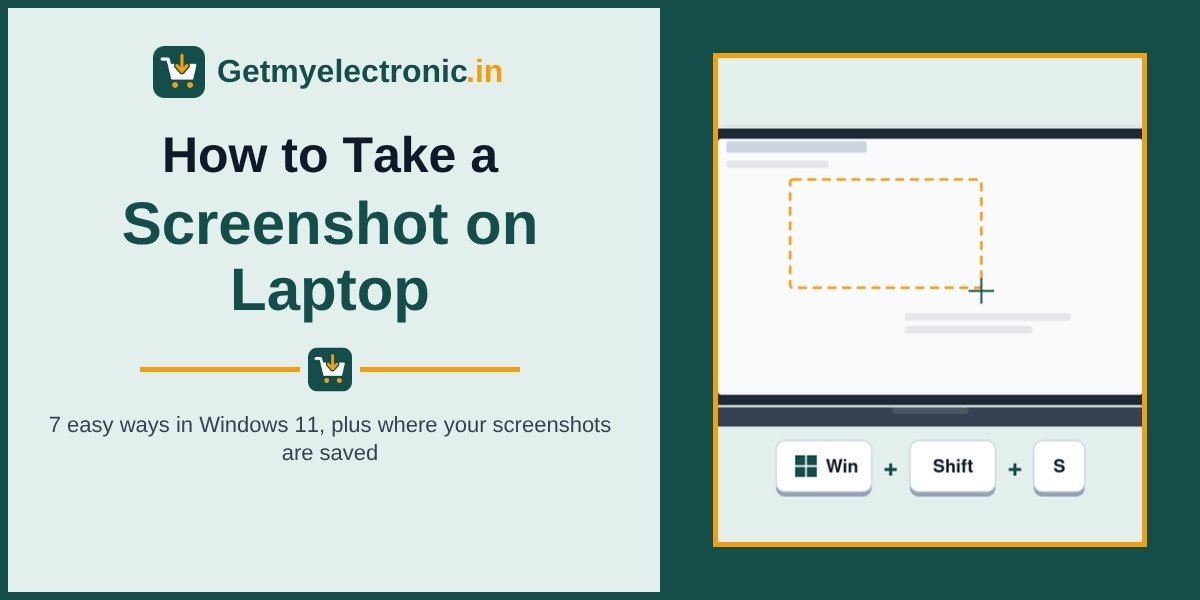
How to Screenshot on a Laptop in Windows 11: 7 Easy Ways

How to take a screenshot on a laptop in Windows 11

Learn how to take a screenshot on a laptop in Windows 11 with Windows + Shift + S, PrtSc and 5 more easy ways, plus where screenshots are saved and fixes.
How to Check Processor in Laptop (Windows 11): 6 Easy Ways

How to check the processor in a laptop in Windows 11

Check which processor your laptop has in Windows 11 using Settings, Task Manager, msinfo32 and more. Learn to read Intel and AMD names, generation and cores.

Post navigation
Newer posts
← Previous Page1 Page2

Getmyelectronic.in is a participant in the amazon services LLC Associates Program designed to provide a means for sites to earn advertising fees by advertising and linking to amazon.in additionally, Getmyelectronic.in participates in various other affiliate programs, and we sometimes get a commission through purchases made through our links.

DMCA.com Protection Status

© 2026 Getmyelectronic.in | Sitemap | How We Test

© 2026 Getmyelectronic.in • Built with GeneratePress