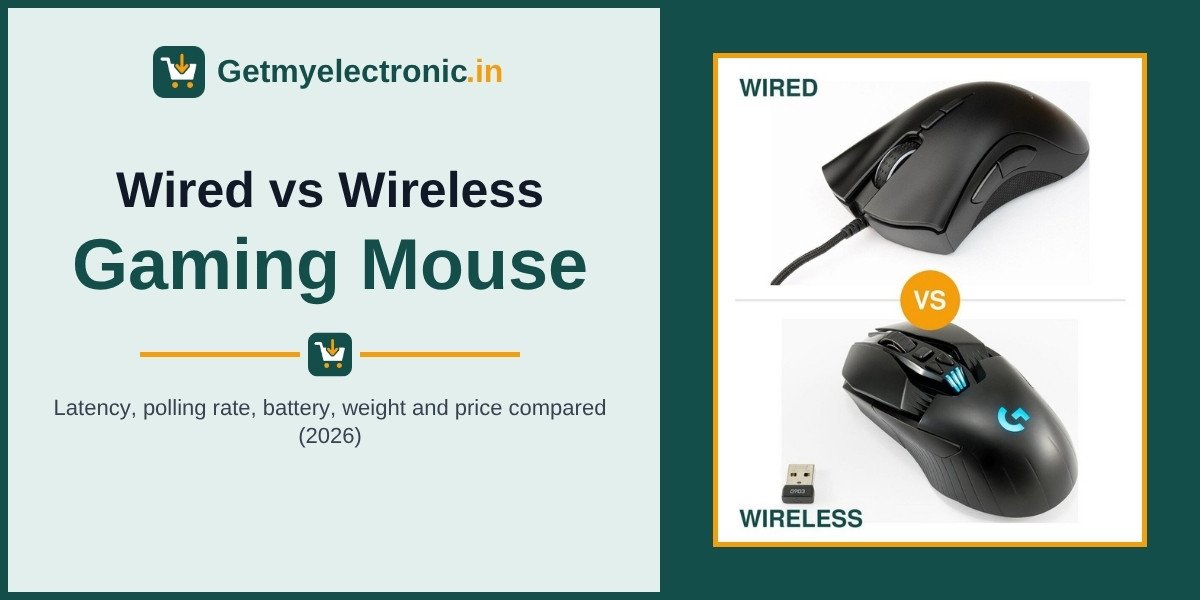
UPDATED NOVEMBER 2026 | GAMING MOUSE | BUYING GUIDE
Ten years ago the answer was easy: serious gamers used a wired mouse, because wireless mice lagged, dropped out and died mid-match. In 2026 that is no longer true. The best 2.4 GHz wireless gaming mice now respond within about a millisecond of a cable, and most professional Valorant and CS2 players play on one.
So the real question is not “is wireless good enough?” but “is wireless worth the extra money for you?” This guide answers that with numbers: latency, polling rate, battery life, weight and Indian prices, side by side. We tested with multiplayer games and modern AAA single-player games, and we explain where the difference shows up and where it does not.
Short Answer: Wired or Wireless Gaming Mouse?
A good 2.4 GHz wireless gaming mouse (with its USB receiver) is now as fast as a wired one for almost every player. Independent tests measure the gap at roughly 0 to 3 milliseconds, far less than one frame on a 144Hz screen (6.9 ms). Bluetooth is the exception: it is too slow for competitive games.
Buy wired if your budget is under about Rs 2,000, you play on a desk PC that never moves, or you never want to think about charging. Buy wireless if you play on a gaming laptop, hate cable drag, or want the lightest mice, and can spend Rs 1,900 and up.
- Under Rs 2,000 and want the best sensor for the money: wired
- Gaming laptop, carry it to college or office: 2.4 GHz wireless
- Competitive FPS (Valorant, CS2) with a budget above Rs 10,000: wireless flagship
- MOBA, MMO or many macro buttons on a budget: wired
- Never use Bluetooth mode for gaming
Wired vs Wireless Gaming Mouse at a Glance (2026)
Swipe sideways on mobile to see every column.
| Factor | Wired gaming mouse | 2.4 GHz wireless gaming mouse | Bluetooth mode |
|---|---|---|---|
|
Click and motion latency |
Lowest, the reference point |
About 0 to 3 ms behind wired on good models |
Much slower, often 8 ms or more per report |
|
Standard polling rate |
1,000 Hz (some 8,000 Hz) |
1,000 Hz (flagships 4,000 to 8,000 Hz) |
About 125 Hz |
|
Battery |
Not needed |
About 70 to 250 hours per charge or AA cell |
Longest of all |
|
Typical weight |
57 to 100 g |
55 to 100 g (battery adds weight on budget models) |
Same mouse |
|
Cable drag |
Yes, unless you use a light paracord or a bungee |
None |
None |
|
Price in India (approx.) |
From about Rs 950 |
From about Rs 1,900; flagships Rs 12,000 to 15,000 |
Comes with tri-mode mice |
|
Best for |
Budget buyers, desk PCs, MOBA/MMO |
Gaming laptops, clean desks, competitive FPS |
Office work, travel, tablets |
Prices are approximate Amazon India and Flipkart prices in November 2026. Check the latest price before you buy.
Latency: Is a Wireless Mouse Slower?
This is the main fear, so let us start with the numbers. Latency is the delay between your click (or movement) and the computer receiving it. Mice report to the PC at a fixed rate called the polling rate, so the polling rate sets the minimum delay:
- 125 Hz: one report every 8 ms (old office mice, most Bluetooth connections)
- 500 Hz: every 2 ms
- 1,000 Hz: every 1 ms (the standard for wired and 2.4 GHz gaming mice)
- 4,000 Hz: every 0.25 ms
- 8,000 Hz: every 0.125 ms
Both a wired gaming mouse and a 2.4 GHz wireless gaming mouse run at 1,000 Hz or more. The extra delay of the radio link itself is small. In igorsLAB’s wired vs wireless latency tests, all mice running at 1,000 Hz:
- Logitech G303 Shroud Edition: wireless only 0.2 ms slower than wired
- Logitech G903 LIGHTSPEED and ASUS ROG Harpe Ace: almost identical in both modes
- Logitech G Pro X Superlight (first generation) and ASUS ROG Chakram X: 2.5 to 3.4 ms slower on wireless
- Zowie U2: about 4 ms slower on wireless
Put the numbers next to your screen. One frame on a 60Hz laptop screen lasts 16.7 ms, on 144Hz it is 6.9 ms and on 240Hz it is 4.2 ms. A gap of 0 to 3 ms is less than one frame on most gaming laptops sold in India. Your internet ping to the game server (often 20 to 60 ms in India) is many times larger.
In our own play on multiplayer games and modern AAA single-player games, we could not feel a difference between a good 2.4 GHz wireless mouse and a wired one. What we did feel immediately was Bluetooth mode: aiming felt slightly floaty and less precise, which matches its low report rate.
2.4 GHz vs Bluetooth: Why the Receiver Matters
Many budget “wireless gaming mice” in India are tri-mode: 2.4 GHz receiver + Bluetooth + wired. They are not the same thing:
- 2.4 GHz (USB receiver or dongle): a dedicated low-latency link, 1,000 Hz on most gaming mice. Brand names include Logitech LIGHTSPEED, Razer HyperSpeed, Corsair SLIPSTREAM and SteelSeries Quantum 2.0. Use this for gaming.
- Bluetooth: built for low power and compatibility, not speed. Most Bluetooth mice update at roughly 125 Hz or slower, so the delay is 8 ms or more per update and can jump around. Fine for office work, a tablet or a TV, not for competitive games.
- Wired mode on a wireless mouse: plug in the charging cable and it works as a wired mouse, usually at full 1,000 Hz.
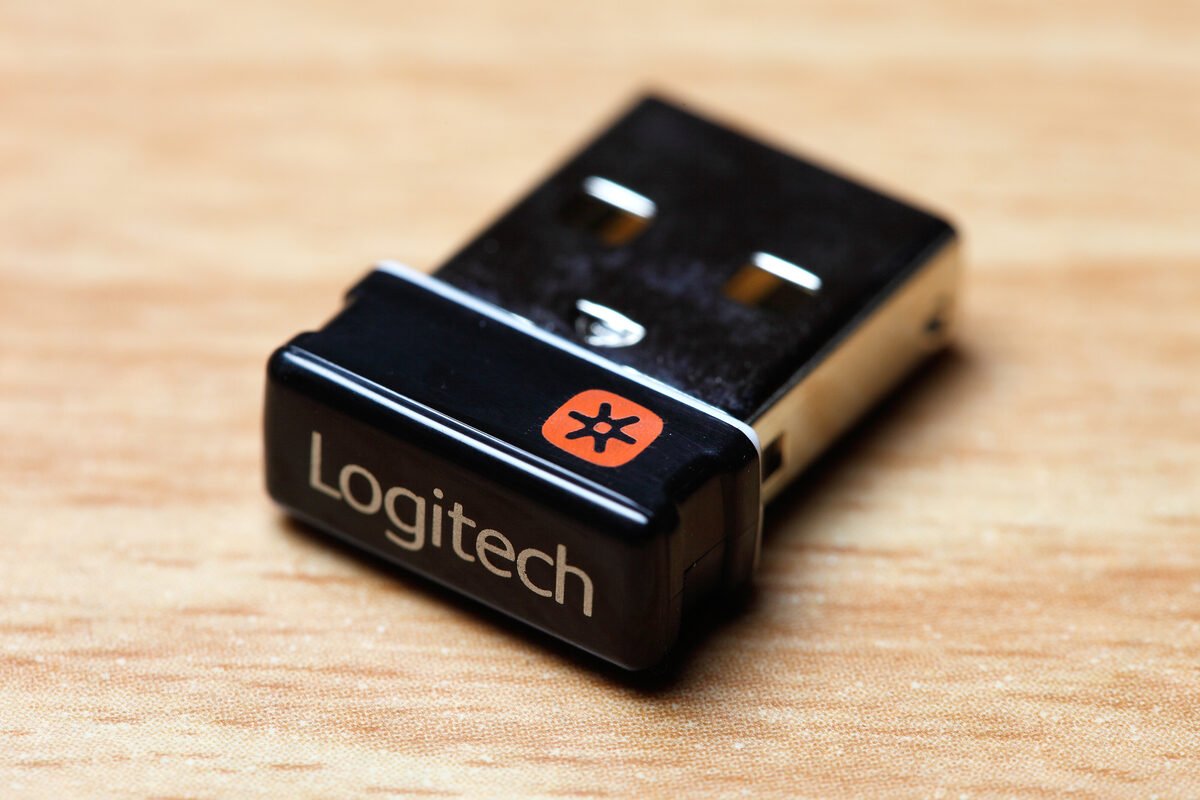
The number one cause of “wireless lag” is a bad receiver position. Metal PC cabinets, Wi-Fi routers and USB 3.0 ports can interfere with 2.4 GHz signals. Use the extension adapter that comes in the box and keep the receiver within about 20 to 30 cm of the mouse, with a clear line of sight.
Battery Life: How Long Do Wireless Gaming Mice Last?
Swipe sideways on mobile to see every column.
| Mouse | Battery | Battery life (brand or review figure) |
|---|---|---|
|
Logitech G304 / G305 LIGHTSPEED |
1 x AA cell |
Up to 250 hours |
|
Logitech G Pro X Superlight 2 |
Built-in, USB-C |
About 95 to 100 hours at 1,000 Hz |
|
Logitech G Pro X Superlight 2 |
Built-in, USB-C |
About 60 h at 2,000 Hz, 40 h at 4,000 Hz, 20 h at 8,000 Hz |
|
Razer DeathAdder V3 Pro |
Built-in, USB-C |
Up to 90 hours at 1,000 Hz |
|
Razer DeathAdder V3 Pro (HyperPolling 4,000 Hz) |
Built-in, USB-C |
About 24 hours |
|
Any wired gaming mouse |
None |
Unlimited |
Sources: Logitech G305 product page, TechPowerUp’s G Pro X Superlight 2 review, Razer’s DeathAdder V3 Pro launch notes and HotHardware. RGB lighting cuts battery life further on mice that have it.
What this means in real use: at 3 hours of gaming a day, a 90-hour mouse needs a charge about once a month. The catch is higher polling: at 4,000 to 8,000 Hz the same mouse may need charging every week or less. For most players, 1,000 Hz on wireless is the sweet spot.
Weight and Cable Drag
For fast aiming, a lighter mouse is easier to start and stop. Wireless mice used to be heavier because of the battery, but that has flipped at the top end:
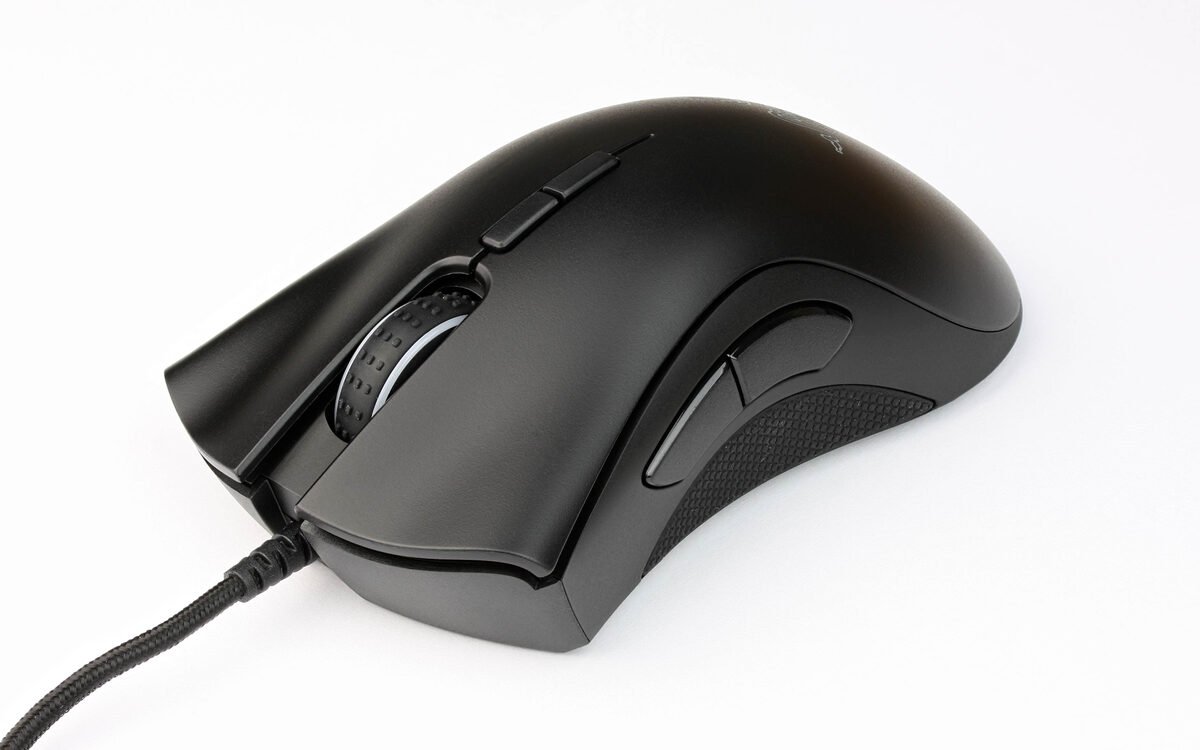
- Wired budget: Logitech G102 85 g, Razer DeathAdder Essential 96 g, Cosmic Byte Firestorm 67 g, SteelSeries Aerox 3 57 g
- Wireless budget: Logitech G304 99 g with its AA battery, Kreo Chimera V2 78 g
- Wireless flagship: Logitech G Pro X Superlight 2 about 60 g, Razer DeathAdder V3 Pro 63 g
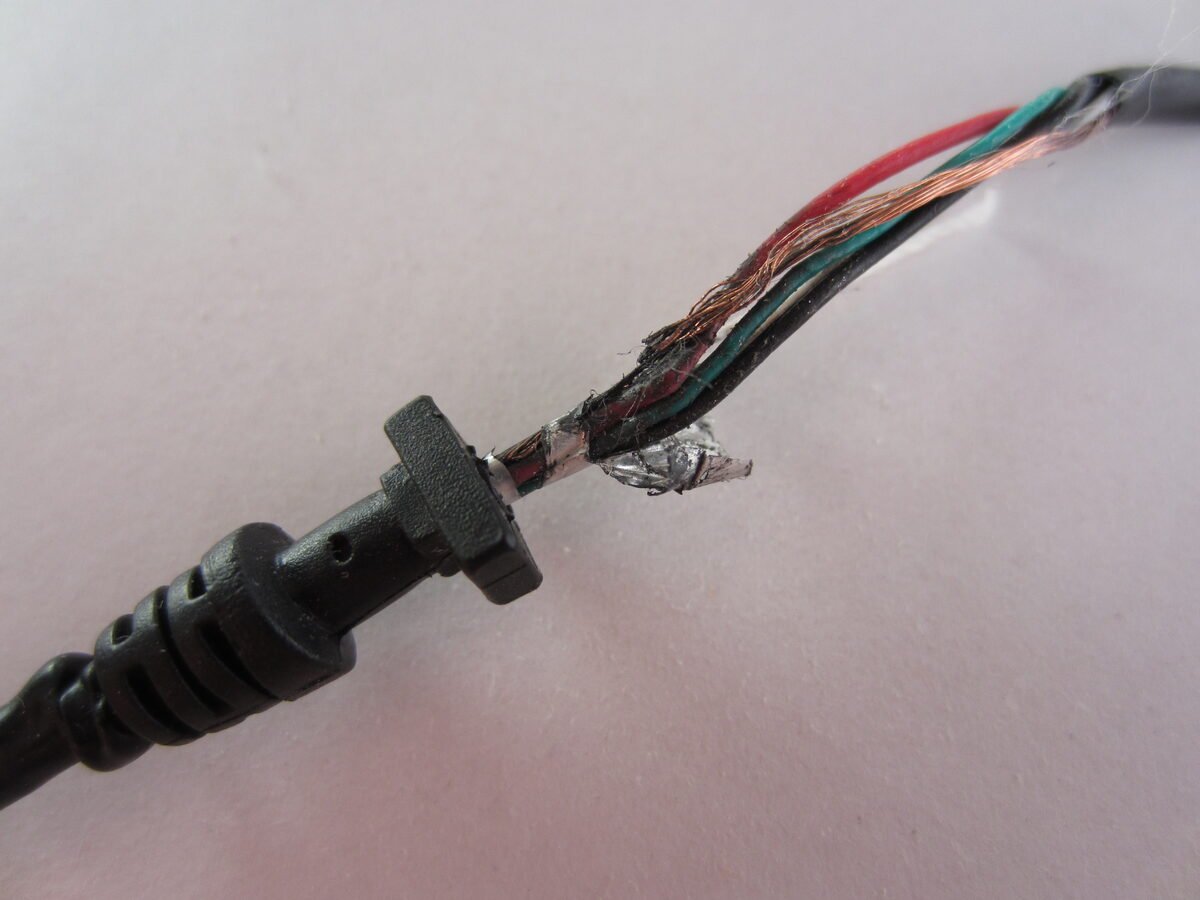
The other half of the story is the cable. A stiff rubber cable pulls back on the mouse and catches on the desk edge, which you feel most in big low-sensitivity flicks. Light paracord cables (Firestorm, Aerox 3) and a mouse bungee reduce this a lot, but only wireless removes it completely.
Wired vs Wireless Gaming Mouse Prices in India (November 2026)
Swipe sideways on mobile to see every column.
| Price band | Wired options | Wireless options | Our take |
|---|---|---|---|
|
Under Rs 1,000 |
Cosmic Byte Firestorm (about Rs 956 to 1,049) |
Mostly office mice or no-name gaming mice |
Buy wired |
|
Rs 1,000 to 2,000 |
Logitech G102, Razer DeathAdder Essential, HyperX Pulsefire Core |
Kreo Chimera V2 (about Rs 1,899, tri-mode) |
Wired gives a better sensor; wireless only if you need it |
|
Rs 2,000 to 5,000 |
Higher-end wired models |
Logitech G304 / G305 and other entry LIGHTSPEED or HyperSpeed mice |
Best value wireless band |
|
Rs 10,000 and up |
Few reasons to buy wired here |
Logitech G Pro X Superlight 2, Razer DeathAdder V3 Pro (about Rs 12,000 to 15,000) |
Wireless flagships win |
The pattern is simple: at the same price, a wired mouse usually gives you a better sensor and build, because you are not paying for a battery and radio. The wireless premium is roughly Rs 700 to 1,500 at the budget end. From about Rs 10,000 up, almost every top mouse is wireless anyway.
Which Is Better for Valorant, CS2 and BGMI?
- Valorant and CS2 (tactical shooters): both work. Most pro players use wireless flagships for the low weight and zero cable drag, not because wired is slow. On a budget, a light wired mouse with a soft cable is the better buy than a cheap wireless one.
- Fast shooters like Apex Legends or Call of Duty: big tracking movements make cable drag more noticeable, so wireless (2.4 GHz) or a paracord wired mouse is worth it.
- BGMI on PC with an emulator, MOBAs like Dota 2, and MMOs: latency matters less than buttons and comfort. A wired mouse with side buttons gives the most for the money.
- AAA single-player games: comfort and battery life matter more than milliseconds. Pick the shape you like; wired or wireless both feel the same here.
Gaming Laptop Users: Why Wireless Makes More Sense
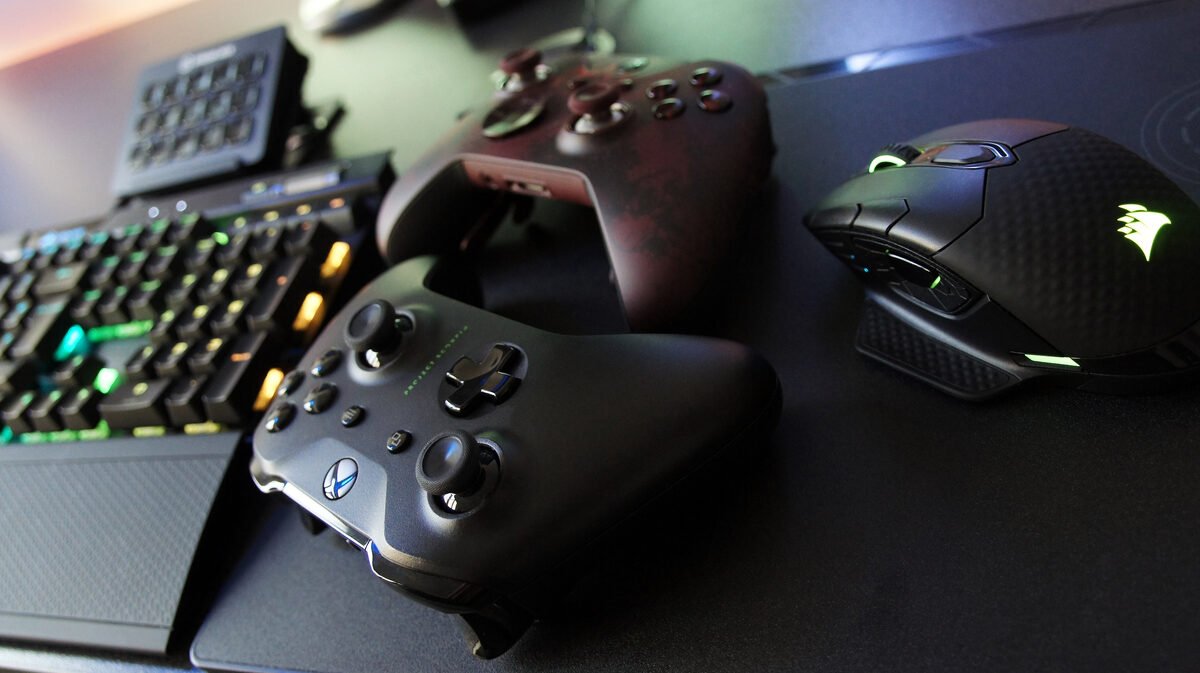
If you play on a gaming laptop, wireless has a bigger advantage than on a desktop:
- Fewer cables to pack. A small receiver can stay plugged in, or store inside the mouse on many models.
- Ports are often on the side. On many laptops the USB ports sit on the left or right edge, so a right-handed mouse cable crosses the desk or pulls against the port.
- Bluetooth for college or office, 2.4 GHz for games. A tri-mode mouse can do both from one device.
Laptop tip: if your mouse stutters on a laptop, plug the receiver into a USB 2.0 port or use the extension adapter, and move it away from the laptop’s Wi-Fi antenna (usually near the hinge). This fixes most “wireless lag” complaints.
Looking for a laptop to pair it with? See our best gaming laptops under 60000 and best gaming laptops under 1 lakh.
Durability, Charging and Long-Term Costs
- Wired weak point: the cable. Constant bending near the mouse is the most common failure on budget mice. A bungee or a soft paracord cable extends its life.
- Wireless weak point: the battery. Built-in lithium batteries slowly lose capacity over a few years, and most cannot be replaced by the user. AA-powered mice like the G304 avoid this, but you buy cells (rechargeable AA cells work).
- Lost receiver: losing the dongle can make a 2.4 GHz mouse useless until you buy a replacement from the brand. Store it inside the mouse if the model allows.
- Warranty: big brands in India usually give 1 to 2 years. Check the listing before you buy.
Pros and Cons Summary
Wired gaming mouse
- Pros: cheapest for the sensor quality, no battery or charging, zero radio interference, works on any PC instantly, often lighter at the budget end
- Cons: cable drag, cable wear, messy on laptops, one more cable on the desk
Wireless gaming mouse (2.4 GHz)
- Pros: no cable drag, clean desk, easy to carry with a laptop, lightest flagship mice are wireless, many can switch to Bluetooth for work
- Cons: costs more for the same sensor, needs charging or AA cells, battery ages, receiver can be lost, 4,000 to 8,000 Hz drains battery fast
BUDGET WIRED PICK
Razer DeathAdder Essential
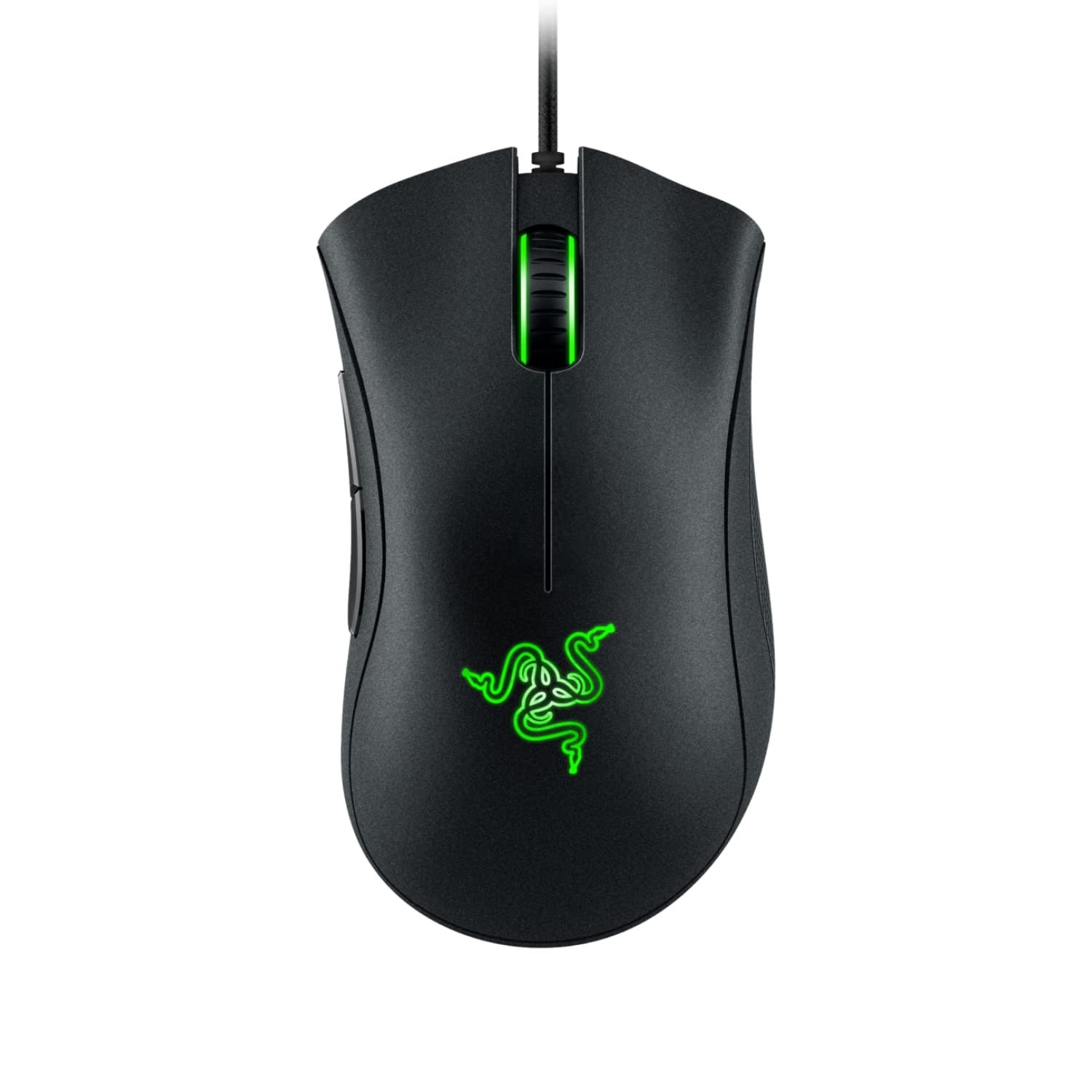
A comfortable right-handed shape, proven Razer build and a 1,000 Hz wired connection for about Rs 1,299. It is the mouse we point most first-time PC and laptop gamers to when they want wired. It is on the heavy side for fast flicks, so low-sensitivity FPS players may prefer a lighter model from our list below.
BUDGET WIRELESS PICK
Kreo Chimera V2
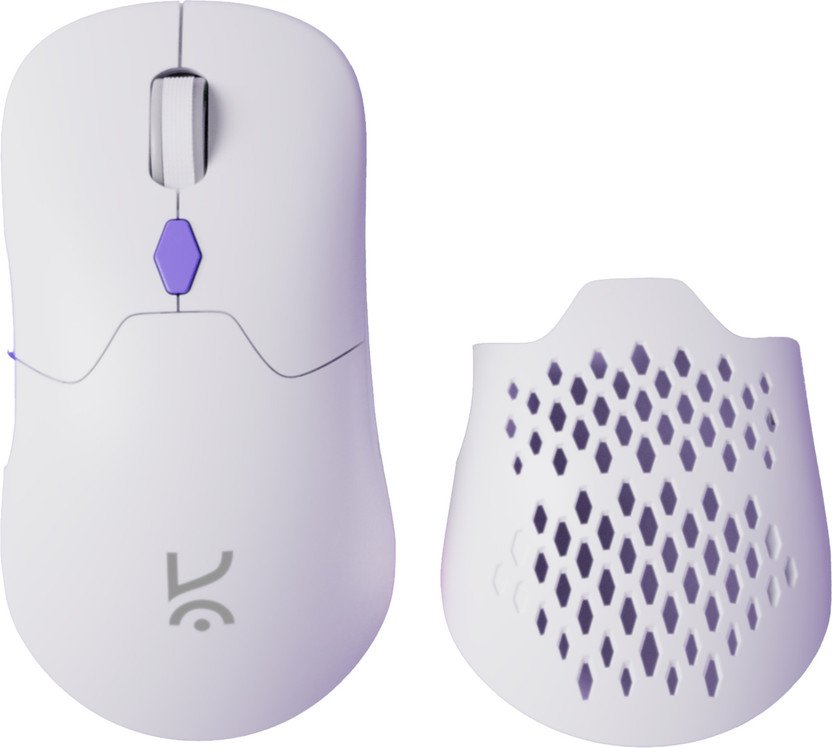
One of the few genuine tri-mode gaming mice under Rs 2,000 in India (about Rs 1,899). Use the 2.4 GHz receiver for games, Bluetooth for office or college, and the cable when the battery runs low. It is the cheapest way we know to try wireless gaming without a big jump in price.
Want more options? We compare ten wired and wireless picks with full specifications in our best gaming mouse under 2000 guide.
Which Should You Buy? Wired or Wireless by Situation
Swipe sideways on mobile to see every column.
| Your situation | Choose | Why |
|---|---|---|
|
Budget under Rs 2,000 |
Wired |
Better sensor and build for the money |
|
Gaming laptop you carry daily |
2.4 GHz wireless |
No cable to pack, works around side ports |
|
Desk PC, never moves |
Either; wired saves money |
Cable drag can be managed with a bungee |
|
Competitive FPS, budget above Rs 10,000 |
Wireless flagship |
Lightest shapes, zero drag, latency equal to wired |
|
MOBA, MMO, many macros |
Wired |
More buttons per rupee, no battery |
|
Office work plus gaming on one mouse |
Tri-mode wireless |
Bluetooth for work, 2.4 GHz for games |
|
Forget to charge things |
Wired or AA wireless |
No surprise dead battery mid-match |
Frequently Asked Questions About Wired vs Wireless Gaming Mice
Is a wireless mouse good for gaming?
Yes, as long as it is a gaming mouse that connects with its 2.4 GHz USB receiver. Good models run at 1,000 Hz and measure within about 0 to 3 ms of a wired mouse, which is less than one frame on a 144Hz screen. Avoid gaming over Bluetooth.
Is a wired mouse faster than a wireless mouse?
Slightly, on some models. Independent latency tests show 2.4 GHz wireless gaming mice from 0.2 ms to about 3 to 4 ms behind their wired mode, and some are practically identical. Most players cannot feel this difference.
Is a 2.4 GHz wireless mouse good for gaming?
Yes. 2.4 GHz with the included receiver is the mode built for gaming, usually at 1,000 Hz polling. Bluetooth on the same mouse is slower, at around 125 Hz, so switch to the receiver for games.
Why does my wireless mouse lag or stutter?
The most common causes are a receiver plugged in behind a metal PC cabinet or far from the mouse, interference from Wi-Fi or USB 3.0 ports, a low battery, or Bluetooth mode. Move the receiver close to the mouse with the extension adapter, charge it, and use 2.4 GHz mode.
How long does a wireless gaming mouse battery last?
Usually 70 to 100 hours per charge for rechargeable models at 1,000 Hz, and up to 250 hours on one AA cell for the Logitech G304/G305. At 4,000 to 8,000 Hz polling, battery life can drop to about 20 to 40 hours.
Do pro gamers use wired or wireless mice?
Most professional Valorant and CS2 players now use wireless mice, mainly lightweight models such as the Logitech G Pro X Superlight series and Razer DeathAdder V3 Pro and Viper V3 Pro. They choose them for low weight and no cable drag.
Should I buy a wired or wireless gaming mouse under Rs 2,000?
Wired, for most people. Under Rs 2,000 a wired mouse gives a better sensor and build for the money. Pick wireless in this budget only if you game on a laptop you carry every day, and choose one with a 2.4 GHz receiver.
Is a wireless mouse good for a gaming laptop?
Yes, and it is often the better choice. There is no cable to pack, it avoids side-mounted USB ports, and a tri-mode mouse can use Bluetooth for work and the 2.4 GHz receiver for games.
Our Verdict: Wired vs Wireless Gaming Mouse
Latency is no longer a reason to avoid wireless. A 2.4 GHz wireless gaming mouse is within a few milliseconds of wired, often less, and the best competitive mice in 2026 are wireless.
Money is now the real difference. Under Rs 2,000, a wired mouse gives you more mouse for the price, so it is still our default for budget buyers and desk PCs. If you game on a laptop, hate cable drag, or are spending Rs 2,500 and up, go wireless and use the receiver, not Bluetooth.

Getmyelectronic is a buying guide for laptops, monitors, graphics cards and gaming PC accessories in India. The guides are written by Rajarajan, a gamer and PC hardware enthusiast. The aim is simple: help you pick the right product for your budget and your use, without the marketing noise