Every laptop guide on Getmyelectronic is written to answer one question: which laptop should you buy for your budget and your use? This page explains how we get laptops, what we check when we use one ourselves, how we research the models we have not used, and how we decide which laptops make it into our lists.
Hands-on checks on the laptops and accessories we buy, plus in-store testing of other models
Exact model numbers and official spec sheets checked for every pick
Benchmark and FPS figures quoted only from named, linked sources
Only new, in-stock laptops inside the stated budget. No refurbished units
No brand pays for a place or a ranking in our guides
Where Our Laptops Come From
Rajarajan buys many of the laptops and accessories he writes about with his own money, and visits laptop stores to try other models hands-on before recommending them. The photos on this page come from those laptops. No brand sends us review units or pays for a review, and no brand sees a guide before it is published.
Not every laptop in a buying guide can be bought or found in a store. When a guide includes a model we have not used, we research it carefully (see below) and make that clear in the guide, so you always know which picks are hands-on and which are researched.
How We Use a Laptop Hands-On
Whether we bought a laptop or are trying it in a store, we use it the way you would after buying it. These are the checks we go through. A store visit is shorter, so long gaming sessions and battery life are checked on the laptops we own.
1. Unboxing and Build
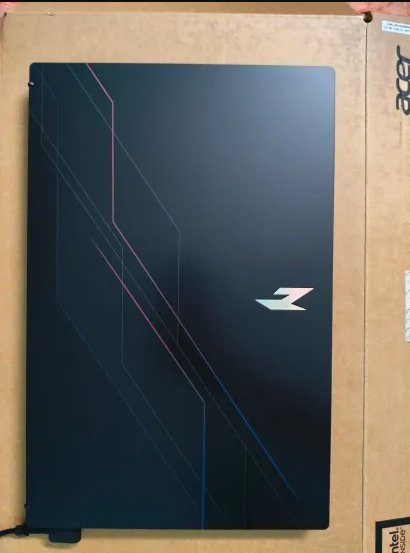
We check what is in the box, the charger rating and that the model number on the sticker matches the store listing. Then we look at the build: lid and keyboard flex, hinge strength, finish and how easily it picks up fingerprints.
Unboxing an Acer Nitro: we check the box, model sticker and build first.
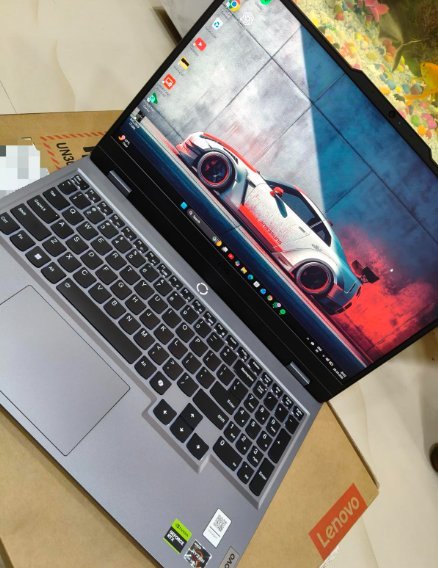
First boot of a Lenovo LOQ, straight out of the box.
2. First Setup and Display
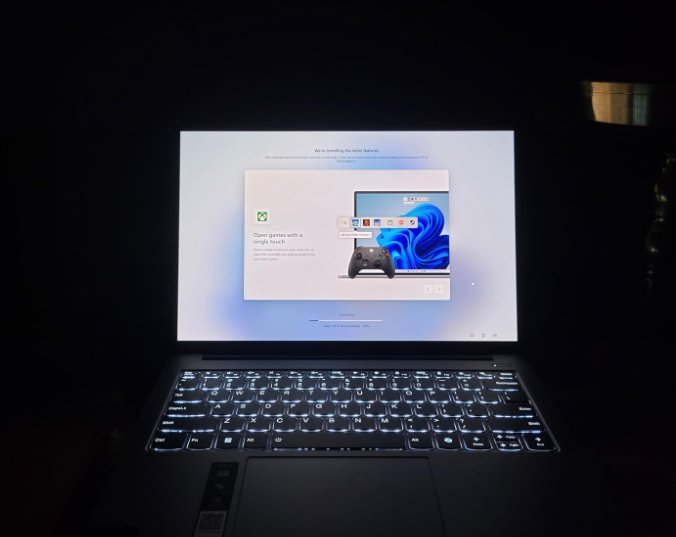
We go through Windows setup and updates, then look at the screen: brightness indoors, colours, viewing angles, and a dark-room check for backlight bleed or dead pixels.
First setup on a Lenovo IdeaPad Pro 5, with a dark-room look at the display.
3. Keyboard and Touchpad
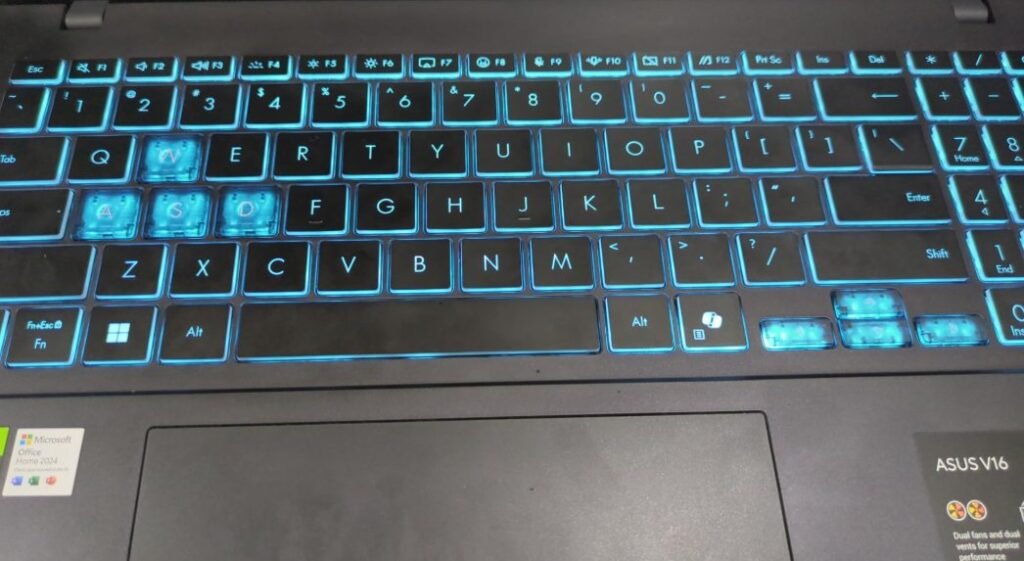
We type on the laptop, check key travel, the backlight levels, the arrow keys and numpad layout, and how accurate the touchpad feels for everyday work.
Checking the backlit keyboard and layout on an ASUS V16.
Keyboard, numpad and display check on a Lenovo LOQ.
4. Gaming Check
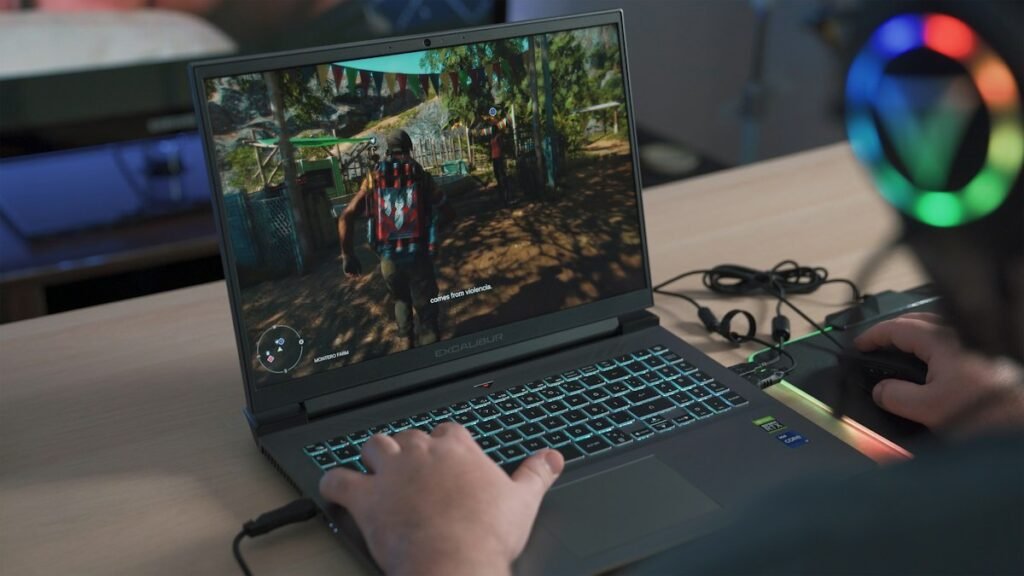
On gaming laptops we play popular titles such as Forza Horizon 5 with an on-screen overlay running, so we can watch the frame rate and GPU usage while playing. On laptops we own, we also note fan noise and how warm the keyboard area gets in longer sessions.
Playing Forza Horizon 5 on an Acer Nitro with an FPS and GPU usage overlay.
5. Everyday Use and Battery
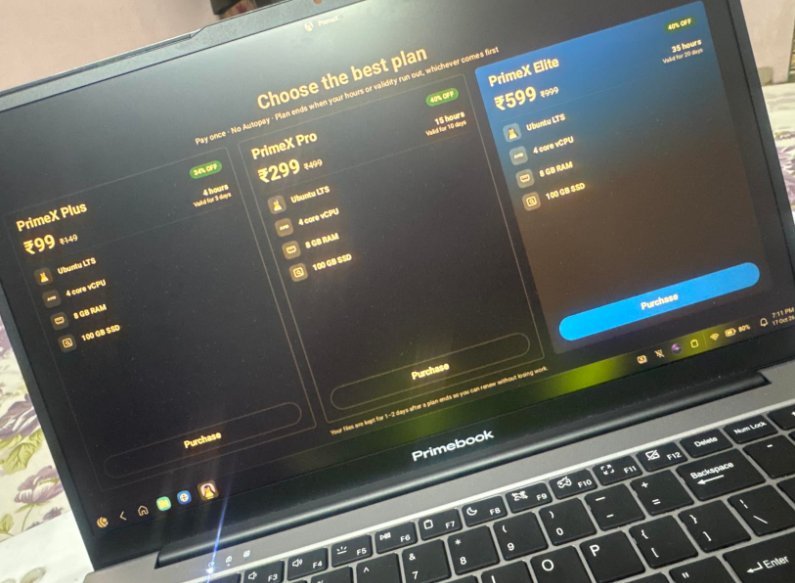
On laptops we own, we use the laptop for browsing with many tabs, YouTube, office work and video calls, and note how long the battery lasts in normal use and how quickly it charges. Budget laptops like the Primebook also get a look at the software that comes pre-installed.
Hands-on with a Primebook budget laptop and its built-in software.
How We Research Laptops We Have Not Used
Most of a buying guide is careful research. For every laptop we shortlist, we check:
The exact model number. The same laptop name often ships with a different CPU, GPU or RAM, so we name the exact variant.
Official specs first. Manufacturer spec pages come first, then the store listing. Gaming details like GPU power (TGP), panel type and refresh rate are checked carefully.
Independent reviews and benchmarks. Performance and FPS numbers are quoted only from named sources, with the game, resolution and settings.
Buyer feedback. Common complaints such as heat, fan noise, weak speakers or slow service become cons in the guide.
Live price and stock. We check the price and stock on Amazon India or Flipkart on the day we publish or update a guide.
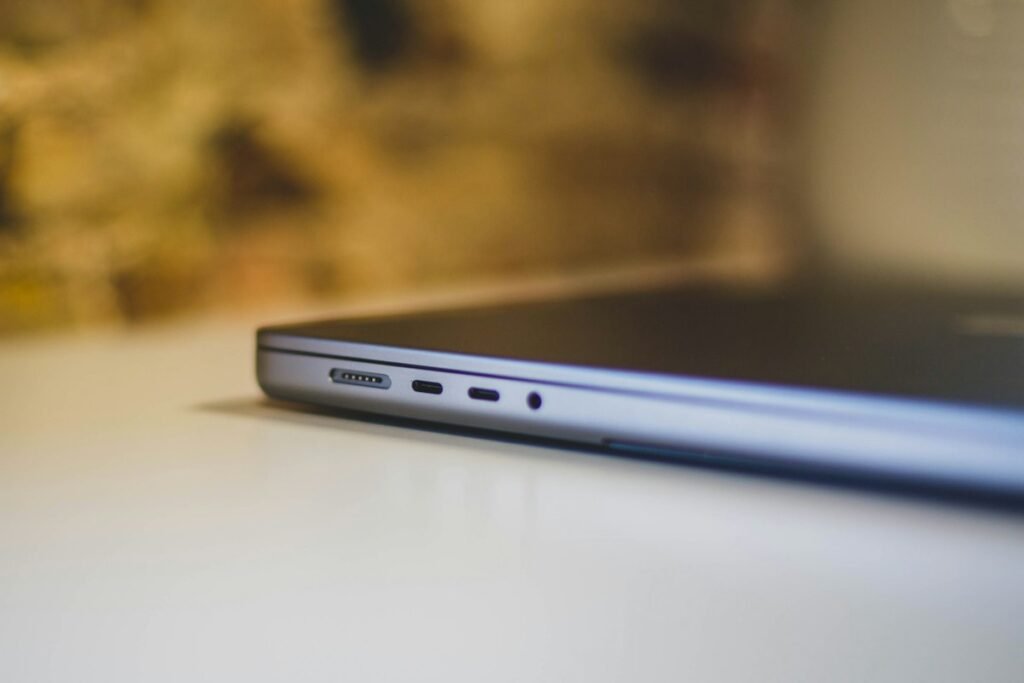
Photo: Bram Van Oost on Unsplash
What We Check in Every Laptop
Performance: CPU, GPU and its power limit, RAM type and speed, storage
Display: panel type, resolution, refresh rate, brightness and colour coverage
Thermals and noise: how hot and loud it gets under load
Keyboard and build: typing comfort, backlight, hinge and chassis quality
Battery and charging: real-world battery life and charger size
Ports and upgrades: USB-C, HDMI, LAN, free RAM and SSD slots
Warranty and service: warranty length and service network in India
Value for money: what you get for the price compared with rivals
Photo: Onur Binay on Unsplash
Photo: Samsung Memory on Unsplash
How We Pick and Rank Laptops
We do not give star ratings or made-up scores. Instead, every laptop in a guide gets a clear “Best for” label, such as best for gaming, best for students or best value, along with honest pros and cons, including for our top pick.
The ranking is based on value within the budget: the laptop that gives the most useful performance, display and build for the money comes first. Every pick must be a new, in-stock laptop whose real price falls inside the budget in the title. If a laptop goes out of stock or its price jumps, we replace it in the next update.
Prices, Updates and Corrections
Laptop prices in India change often, especially during sale seasons. Every guide shows when it was last updated, and prices are given as approximate and dated. We revisit guides when new models launch, prices move or a laptop goes out of stock.
Found a mistake, a wrong price or a spec that does not match? Tell us on the Contact Us page and we will check and fix it.
Who Tests and Writes Our Guides
All laptop guides are researched and written by Rajarajan, an electrical engineer, gamer and PC hardware enthusiast who follows new laptop, GPU and monitor launches closely. You can read more about him on the About the Author page and about the site on the About Us page.
We only say we tested a laptop when we have really used it
We never invent benchmark numbers, battery results or prices
Every pick has honest cons, even the top pick
Affiliate commissions never decide which laptops are picked or how they are ranked
Getmyelectronic is a participant in the Amazon Associates programme. Some links on this site are affiliate links, so if you buy through them we may earn a small commission at no extra cost to you.